> ## Documentation Index
> Fetch the complete documentation index at: https://docs.cloud.vessl.ai/llms.txt
> Use this file to discover all available pages before exploring further.
# Storage overview
> Manage Cluster storage and Object storage for your organization.
Navigate to **Manage > Organization > Storage** in the sidebar. This page shows all Cluster storage and Object storage volumes across your organization.
VESSL Cloud provides two types of persistent storage:
* **Cluster storage**: High-availability distributed storage (CephFS/NVMe) bound to a specific cluster. Shared across workspaces within the same cluster with RWX semantics. Data persists after workspace termination. See [Create Cluster storage volume](/admin/storage/create-volume#create-cluster-storage-volume) for setup.
* **Object storage**: POSIX-compatible, S3-backed remote storage for sharing data across teams and clusters. Both admins and members can create Object storage volumes. Admins can assign volumes to specific teams for broader collaboration.
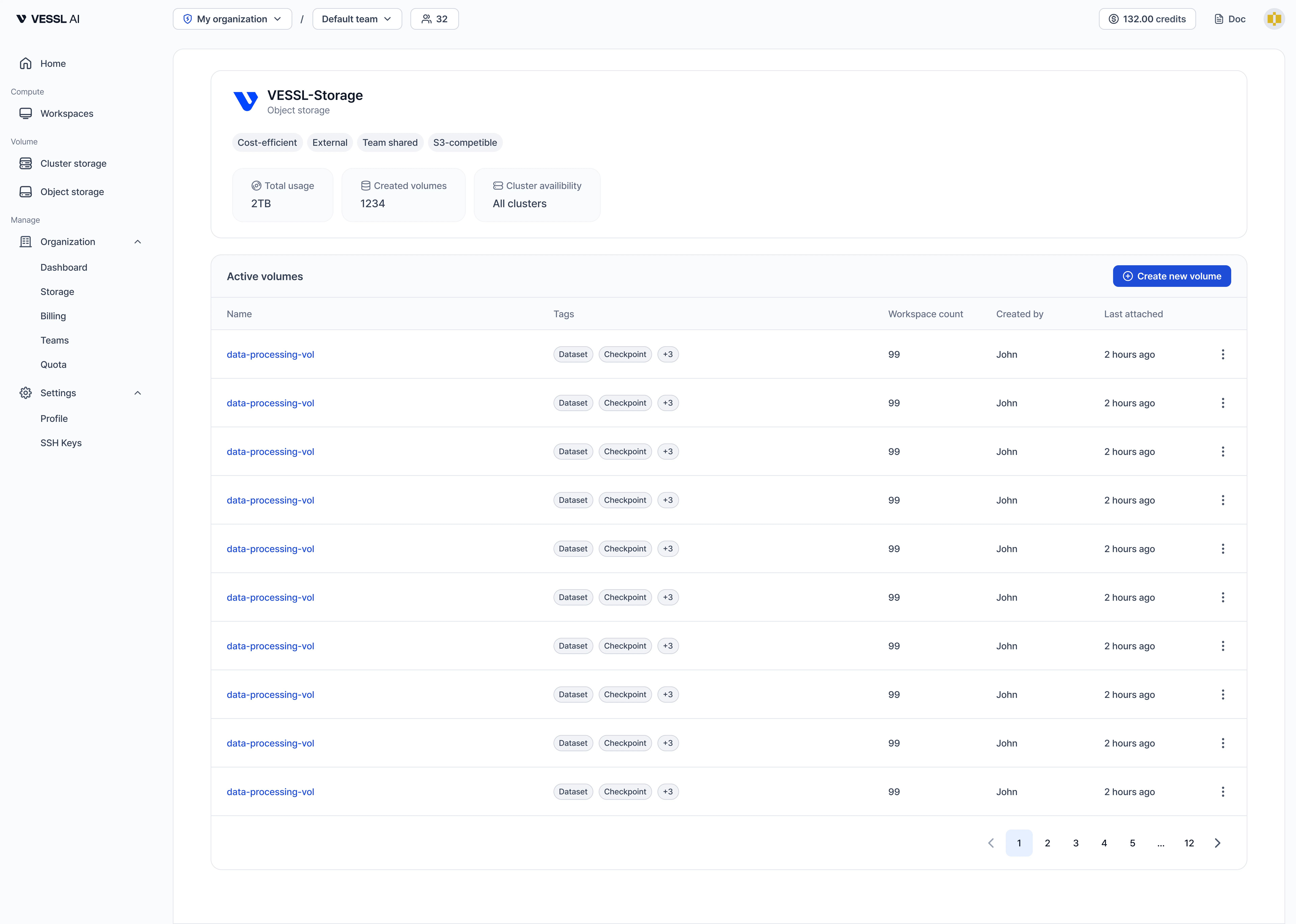 Example: Object storage
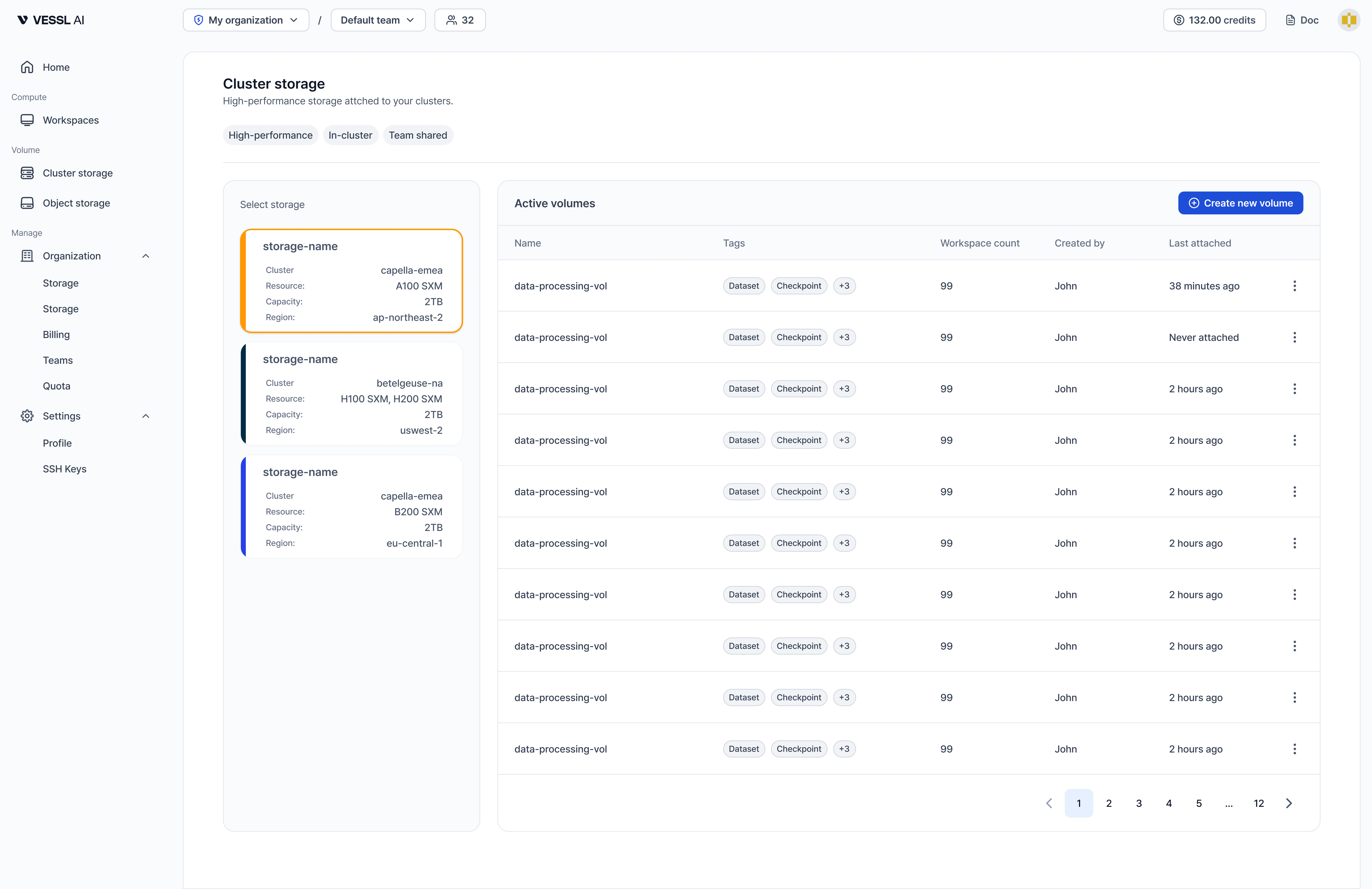 Example: Cluster storage
* **Cluster storage** uses distributed CephFS/NVMe within a cluster. Supports RWX (read-write-many) across workspaces in the same cluster. \~150 MB/s throughput.
* **Object storage** is backed by S3 and accessible from any cluster. Supports RWX across all workspaces. \~150 MB/s throughput.
See [Storage pricing](/pricing/storage) for current rates and the 2026-07-01 billing policy.