> ## Documentation Index
> Fetch the complete documentation index at: https://docs.cloud.vessl.ai/llms.txt
> Use this file to discover all available pages before exploring further.
# Invite a member
> Invite users by email and assign them to at least one Team.
Invite users who are not part of your Organization yet.
To invite a member:
1. Go to the Organization admin page by clicking your Organization name from the top navigation bar.
2. Open the **Teams** tab in the sidebar.
3. Click **Invite member** or navigate to the team where you want to add the member.
Enter the user's email and select at least one Team. The user will appear as `Invited` until they verify their email, then become `Active`.
A member can belong to multiple Teams. Adjust team assignments anytime.
You cannot invite an external user directly to a specific Team. First invite them to the **Organization**, then add them to a Team.
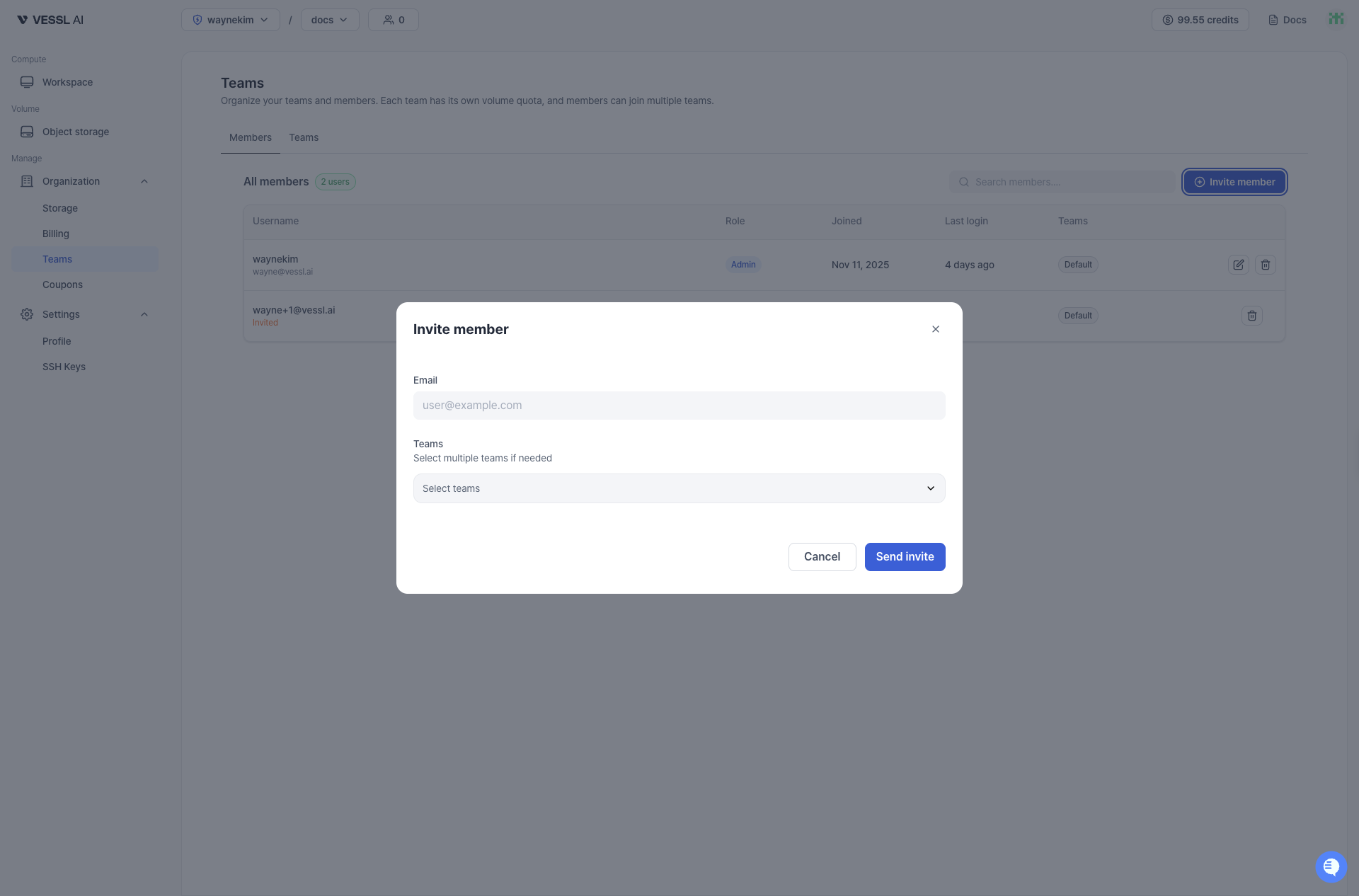 Example: Invite a member