> ## Documentation Index
> Fetch the complete documentation index at: https://docs.cloud.vessl.ai/llms.txt
> Use this file to discover all available pages before exploring further.
# Teams overview
> Collaboration units with shared resources and standardized environments.
Teams are collaboration units. Members in a team work with shared resources and standardized environments.
The Teams page has two tabs: **Members** and **Teams**.
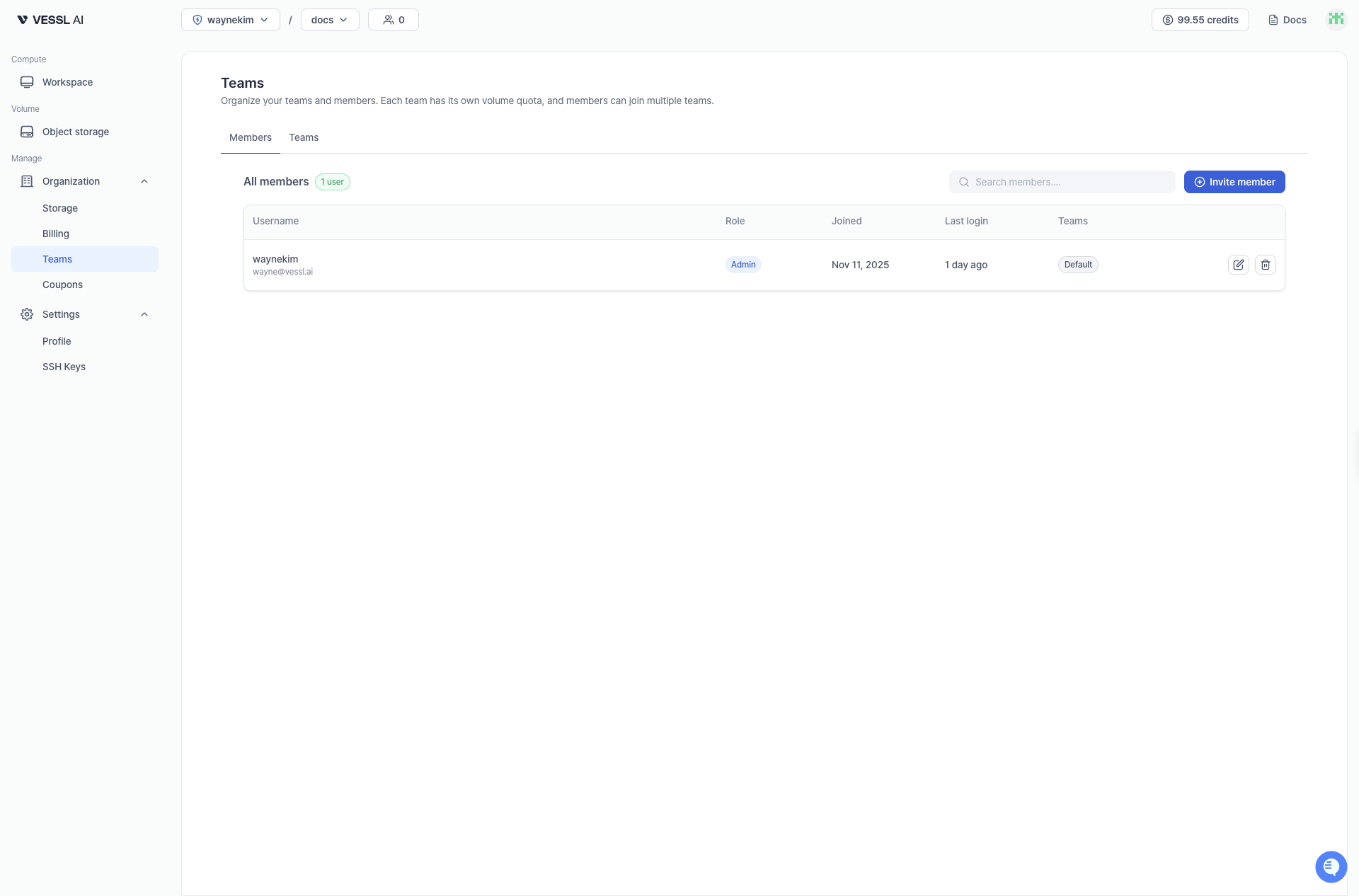 Example: Members tab
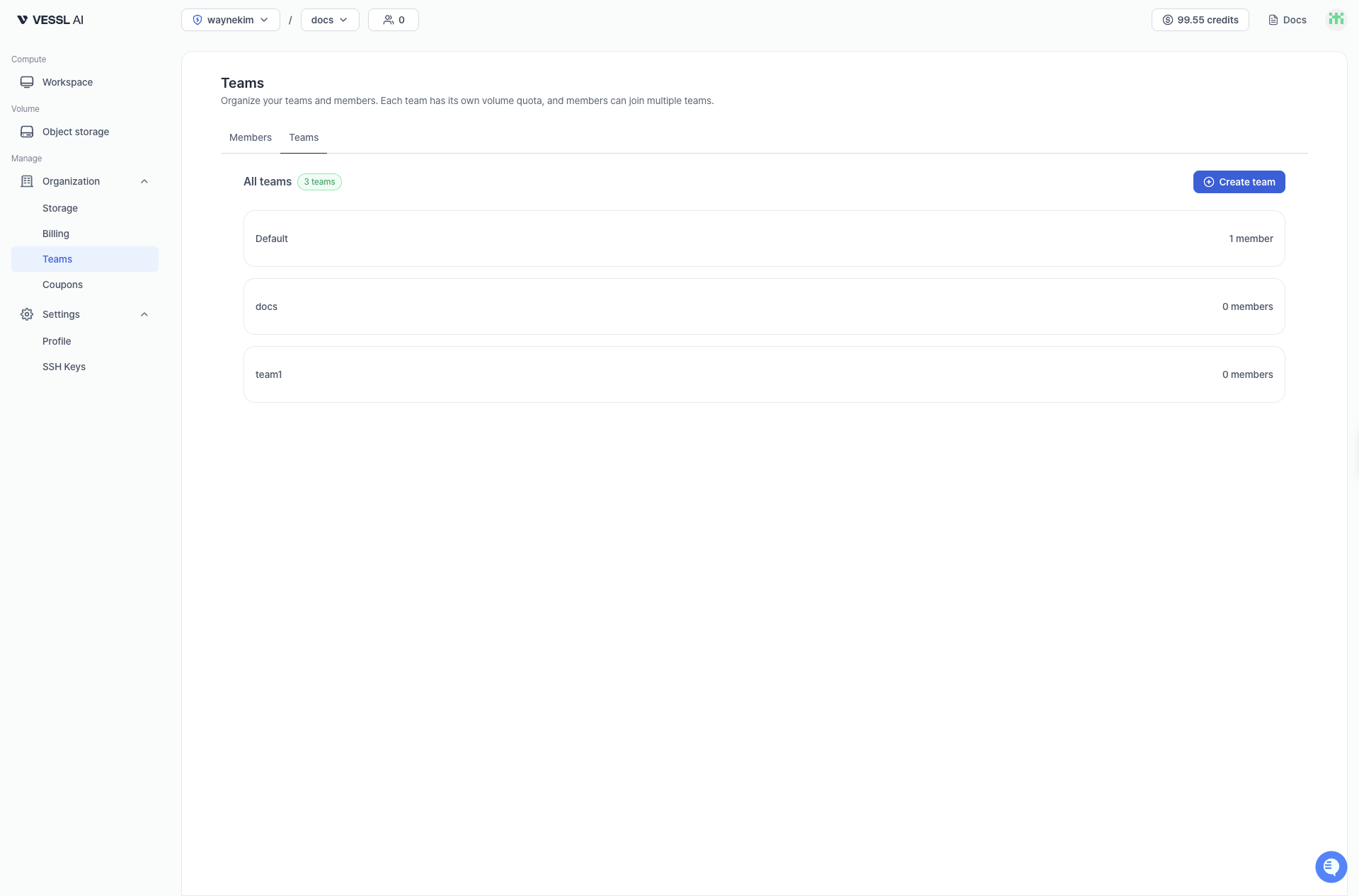 Example: Teams tab
## Shared team resources
* Object storage (S3-backed, POSIX-compatible) and Cluster storage for sharing data/models/artifacts
* (Coming soon) Workspace visibility: standard images/spec guidance across the team
* (Coming soon) Collaborative workspaces
## Key operational points
* Multiple team membership: a member can belong to multiple teams
* Invite/join flow: email invite → Invited → becomes Active after verification
* Usage-based billing: storage is billed based on actual usage, no pre-allocation needed