> ## Documentation Index
> Fetch the complete documentation index at: https://docs.cloud.vessl.ai/llms.txt
> Use this file to discover all available pages before exploring further.
# vesslctl job
> Submit, monitor, and manage batch training and inference jobs.
The `job` command lets you create and manage batch compute jobs on VESSL Cloud. Jobs run a command to completion on a specified cluster and resource configuration.
## list
List jobs in the current team.
```bash theme={null}
vesslctl job list
```
| Flag | Short | Description |
| ---------------- | ----- | ------------------------------------------------------------------- |
| `--state` | `-s` | Filter by job state (for example, `running`, `succeeded`, `failed`) |
| `--page` | | Page number for pagination |
| `--per-page` | | Number of results per page |
| `--hide-deleted` | | Hide cancelled and terminated jobs |
**Example:**
```bash theme={null}
vesslctl job list --state running --per-page 20
```
## show
Display detailed information about a specific job.
```bash theme={null}
vesslctl job show
```
| Argument | Description |
| -------- | ---------------------------- |
| `slug` | Unique identifier of the job |
## create
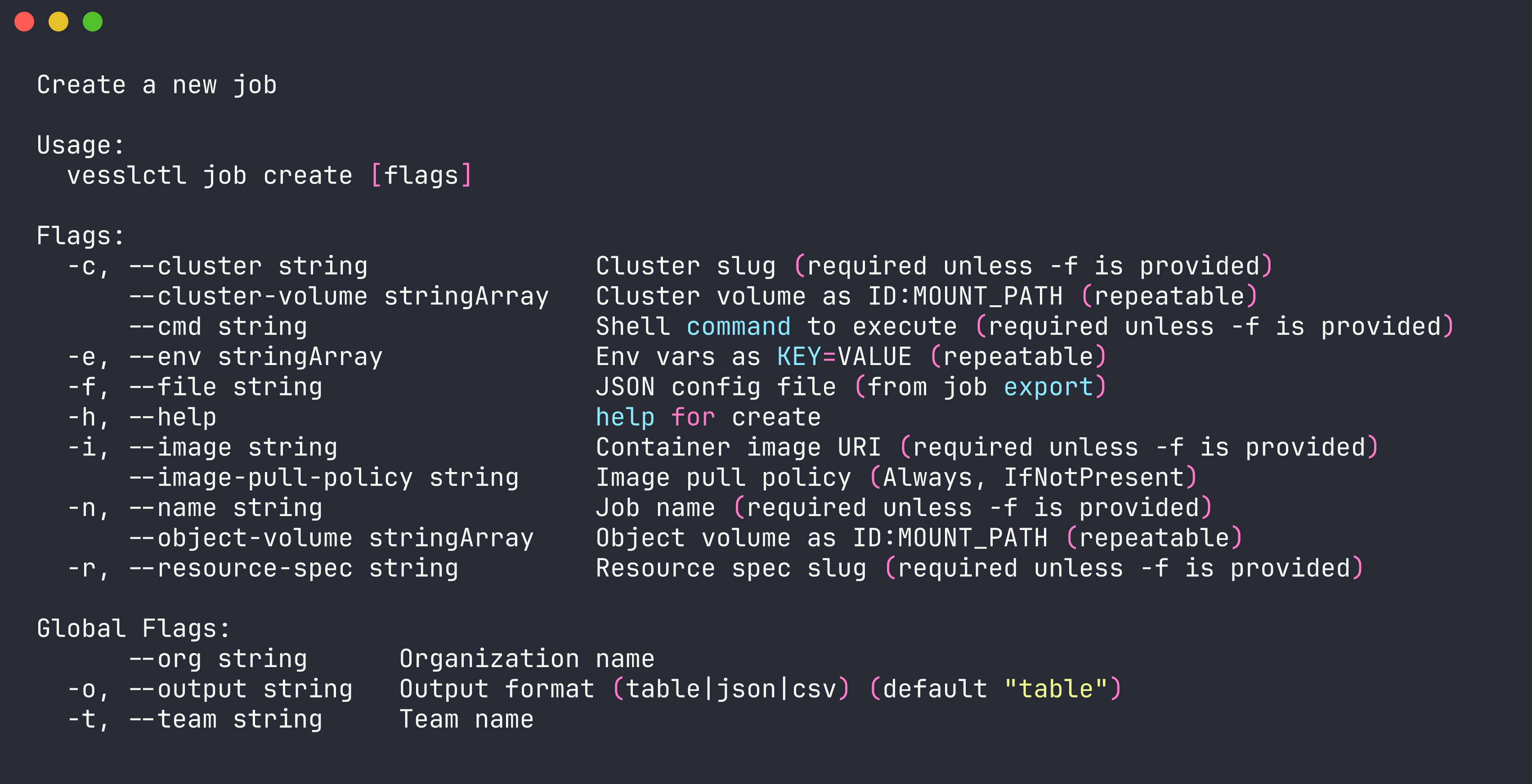
Create and submit a new job. You can provide configuration inline with flags or using a JSON file.
```bash theme={null}
vesslctl job create --name my-job --resource-spec --image --cmd "python train.py"
```
| Flag | Short | Required | Description |
| --------------------- | ----- | -------- | ------------------------------------------------------------ |
| `--file` | `-f` | No | Path to a JSON config file (alternative to inline flags) |
| `--name` | `-n` | Yes | Name for the job |
| `--resource-spec` | `-r` | Yes | Resource spec slug (cluster is derived automatically) |
| `--image` | `-i` | Yes | Container image to use |
| `--cmd` | | Yes | Command to execute |
| `--env` | `-e` | No | Environment variable in `KEY=VALUE` format (repeatable) |
| `--object-volume` | | No | Mount an object volume as `SLUG:MOUNT_PATH` (repeatable) |
| `--cluster-volume` | | No | Mount a cluster volume as `SLUG:MOUNT_PATH` (repeatable) |
| `--image-pull-policy` | | No | Image pull policy: `Always` or `IfNotPresent` |
| `--tag` | | No | Tag value to attach (repeatable, auto-creates if not exists) |
**Example with inline flags:**
```bash theme={null}
vesslctl job create \
--name my-training-job \
--resource-spec \
--image quay.io/vessl-ai/torch:2.9.1-cuda13.0.1-py3.13-slim \
--cmd "python train.py --epochs 10" \
--env WANDB_API_KEY= \
--object-volume :/data
```
Run `vesslctl cluster list` and `vesslctl resource-spec list` to see available clusters and GPU specs.
**Example with a JSON config file:**
```bash theme={null}
vesslctl job create --file job-config.json
```
**Pricing summary and credit balance.** `job create` shows the resource spec, hourly cost, current credit balance, and estimated remaining hours before submitting. Creation is blocked when the balance is zero or negative — run `vesslctl billing show` to inspect, or top up before retrying.
## terminate
Terminate a running job.
```bash theme={null}
vesslctl job terminate
```
| Flag | Short | Description |
| ------- | ----- | ------------------------ |
| `--yes` | `-y` | Skip confirmation prompt |
## export
Export a job's configuration as JSON. Useful for reusing or version-controlling job configs.
```bash theme={null}
vesslctl job export
```
Pipe the output to a file to save it:
```bash theme={null}
vesslctl job export my-job-abc123 > job-config.json
```
## logs
View logs from a job.
```bash theme={null}
vesslctl job logs
```
| Flag | Short | Default | Description |
| ---------- | ----- | ------- | ----------------------------- |
| `--limit` | | `100` | Number of log lines to return |
| `--follow` | `-f` | | Stream logs in real time |
**Example:**
```bash theme={null}
vesslctl job logs my-job-abc123 --follow
```
## tag
Manage tags on a job. See [vesslctl tag](/cli/commands/tag#job-tag-commands) for details on `job tag attach` and `job tag detach`.