> ## Documentation Index
> Fetch the complete documentation index at: https://docs.cloud.vessl.ai/llms.txt
> Use this file to discover all available pages before exploring further.
# 팀 목록
> 모든 팀과 멤버를 확인하고 관리해 보세요.
Teams 화면에서는 우리 조직에 있는 모든 팀과, 그 팀에 속한 멤버들을 한눈에 볼 수 있어요. 조직에 이미 들어와 있는 멤버를 특정 팀에 추가할 수도 있어요.
외부 사용자를 바로 팀으로 초대할 수는 없어요. 먼저 Organization으로 초대한 다음에, 팀에 추가해 주세요.
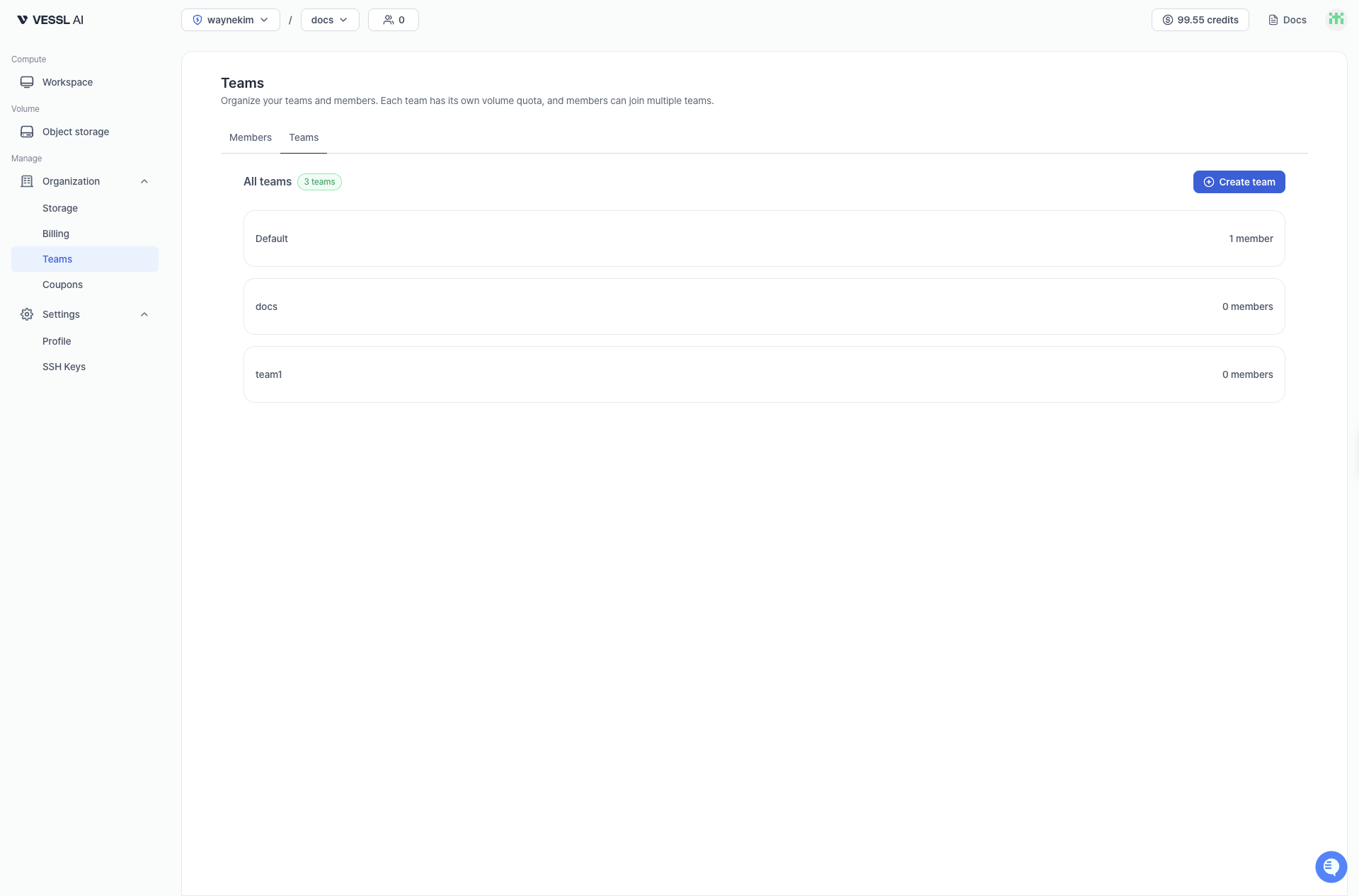 예시: 팀 목록 화면