> ## Documentation Index
> Fetch the complete documentation index at: https://docs.cloud.vessl.ai/llms.txt
> Use this file to discover all available pages before exploring further.
# Teams
> View and manage your teams and members.
View all members and teams in your organization. The Teams page has two tabs: **Members** and **Teams**.
## Members tab
The **Members** tab lists all members in your organization with their team assignments and activity information.
* Username: name and email
* Role: member role in the organization
* Joined: date when the user joined the organization
* Last login: last sign-in time
* Teams: teams the member belongs to
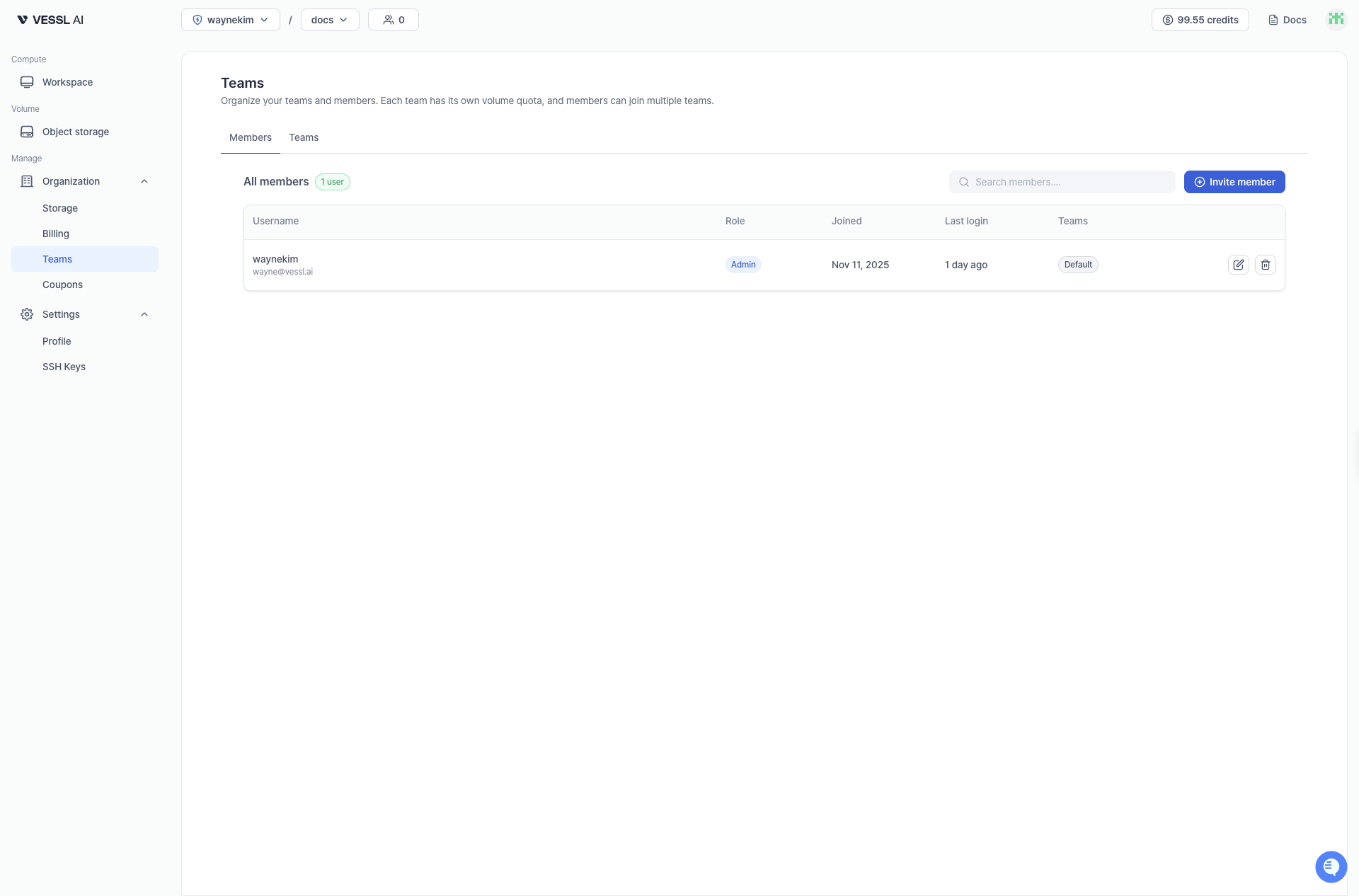 Example: Members tab
## Teams tab
The **Teams** tab shows all teams and their member counts.
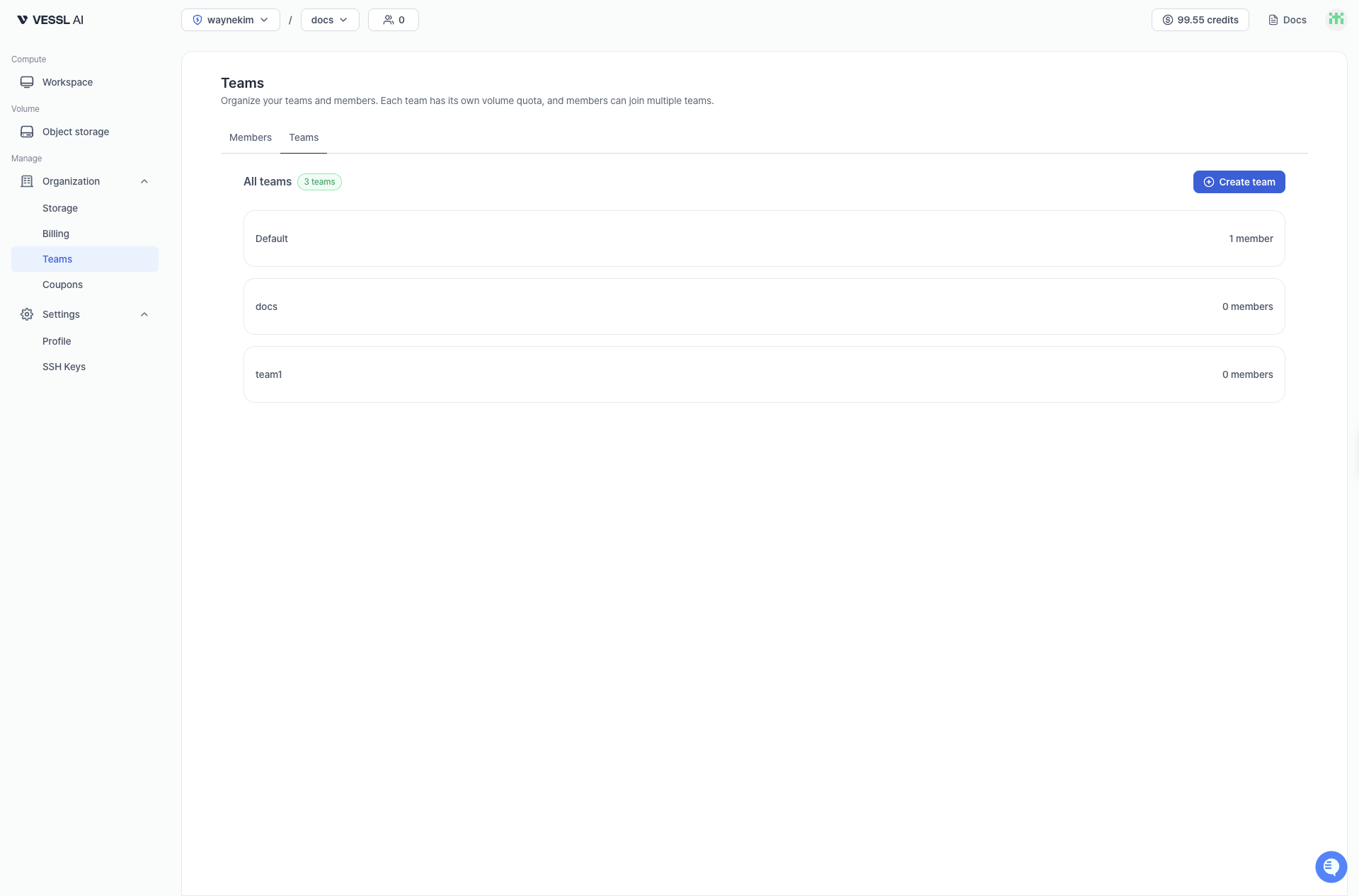 Example: Teams tab