> ## Documentation Index
> Fetch the complete documentation index at: https://docs.cloud.vessl.ai/llms.txt
> Use this file to discover all available pages before exploring further.
# Understand workspaces
> What a workspace is and why it matters for ML development on VESSL Cloud.
**Workspaces work from the CLI too.** Create, list, SSH into, pause, and terminate workspaces from your terminal with `vesslctl workspace`. See the [CLI cheat sheet](/cli/cheatsheet) for a one-page command reference, or [vesslctl workspace](/cli/commands/workspace) for the full flag reference.
**[Workspace](/guides/get-started/glossary#workspace)** lets you instantly run a containerized environment with [GPU](/guides/get-started/glossary#gpu) and CPU resources for ML development.
In a workspace, you can run code using JupyterLab or connect using SSH.
* Start quickly without complex infrastructure setup
* Choose resources and launch instantly
* Pause to preserve the environment at lower cost, or Terminate to stop billing
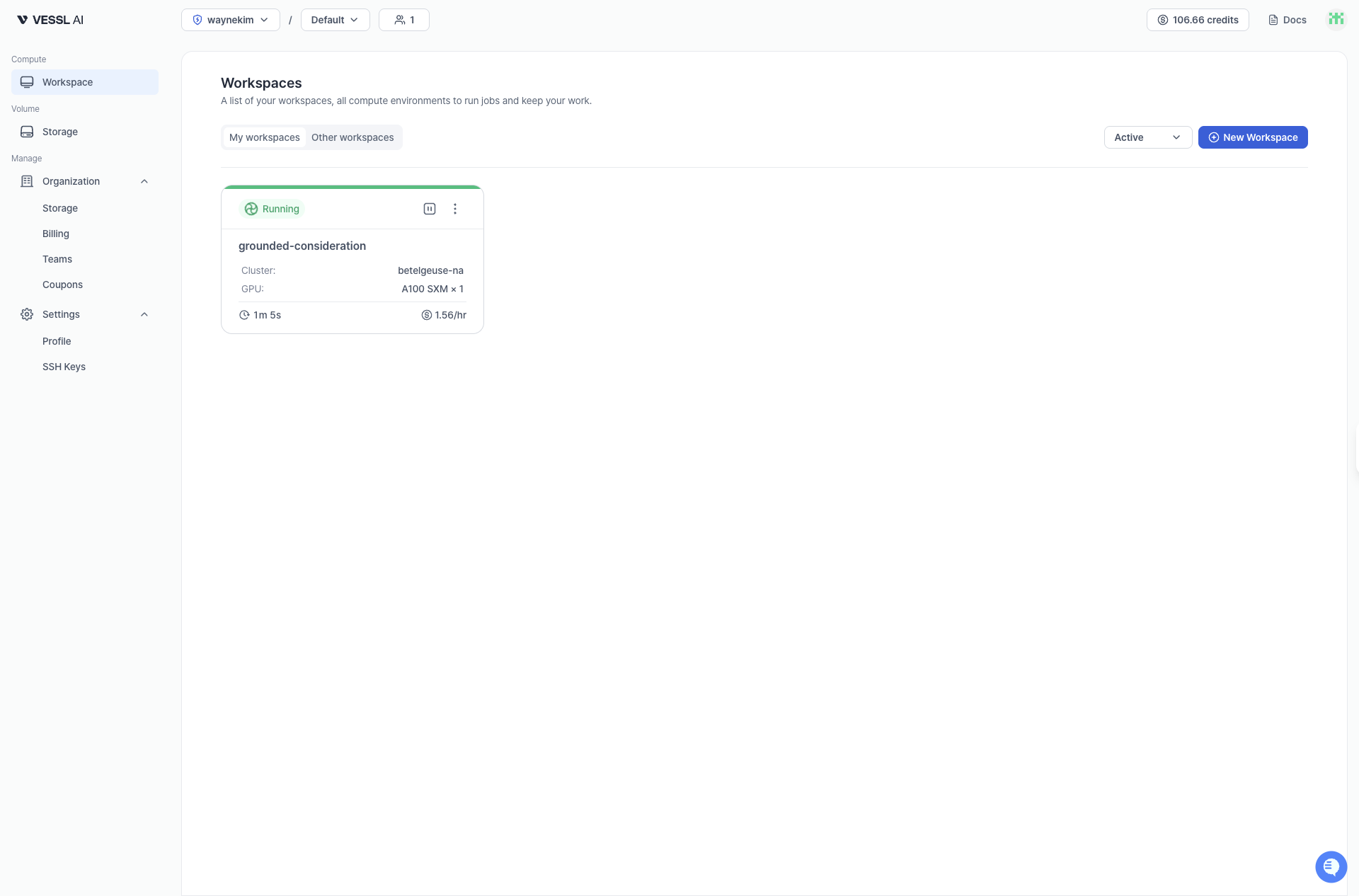 Example: Workspace overview