

This page covers creating Object storage volumes (self-service for all members). Cluster storage volumes can only be created by organization admins from the admin storage page.
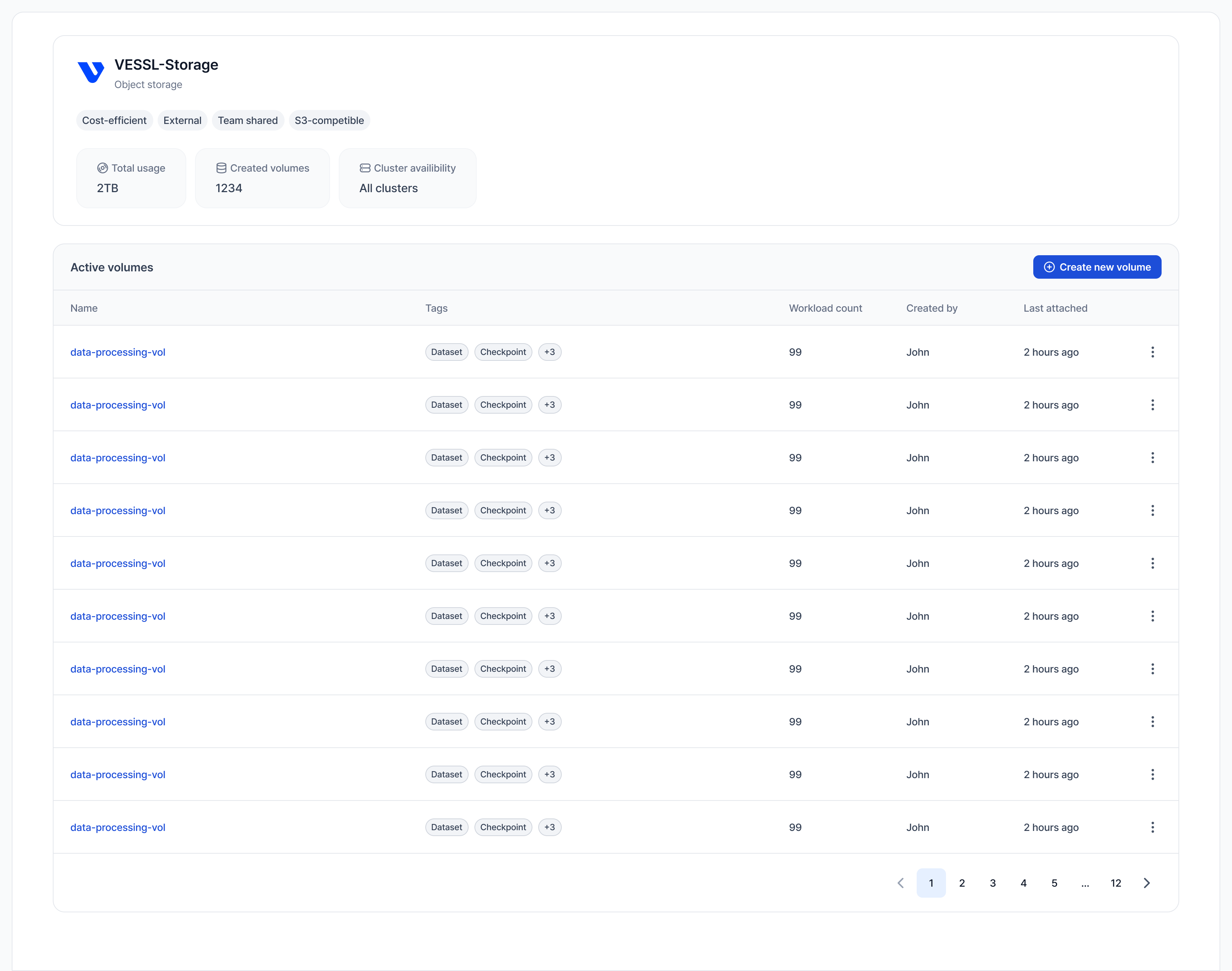
Object storage volumes are backed by S3 with Read-Write-Many (RWX) support. They can be mounted to multiple workspaces simultaneously across any cluster in your organization, making them ideal for collaborative work.
Steps to create
- Go to the Object storage tab in the sidebar.
- Click Create new volume.
- Configure the volume settings:
- Name: A unique name for your volume.
- Description: Optional details about the volume’s purpose.
- Storage: Select the Object storage backend for this volume.
- Size (GiB): The storage capacity. You can increase this later, but cannot decrease it.
- Access: Select one or more teams that will have access to this volume.
- Click Create.
Pricing
Object storage is billed daily based on actual usage (effective 2026-07-01). See Storage pricing for the latest rates and FAQ.- Pay-as-you-go: You pay for what you actually store, measured daily.
- No quota limits: You don’t need to request a quota from an admin. You can create volumes as needed, subject to your organization’s billing policies.
Next steps
- Mount the volume to your workspace.
- Manage files using the File Manager or by connecting to a workspace.