

Files
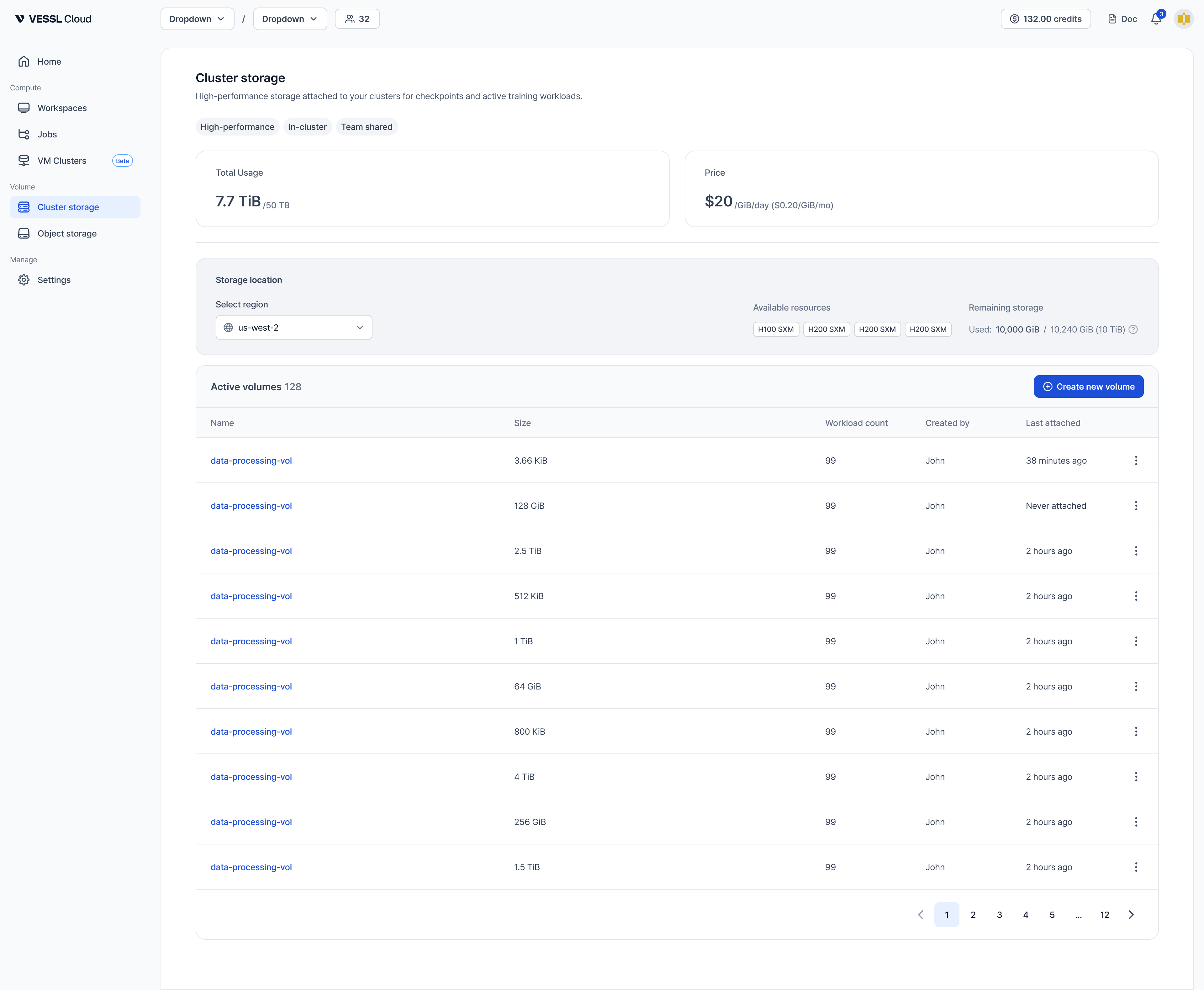
- Name: file name
- Size: file size
- Last modified: last modification timestamp
Details
View volume metadata and status information.- Cluster availability: Clusters where this volume can be mounted.
- Size: Total provisioned storage capacity.
- Teams: Teams that have access to this volume.
- Last attached: Last time the volume was attached to a workspace.
Active workspaces
View workspaces currently attached to this volume. Active workspaces can read/write files. Data is automatically synchronized across sessions at the configured mount paths.Data management (CLI)
Use short-lived credentials to manage data on Object storage volumes with the AWS CLI.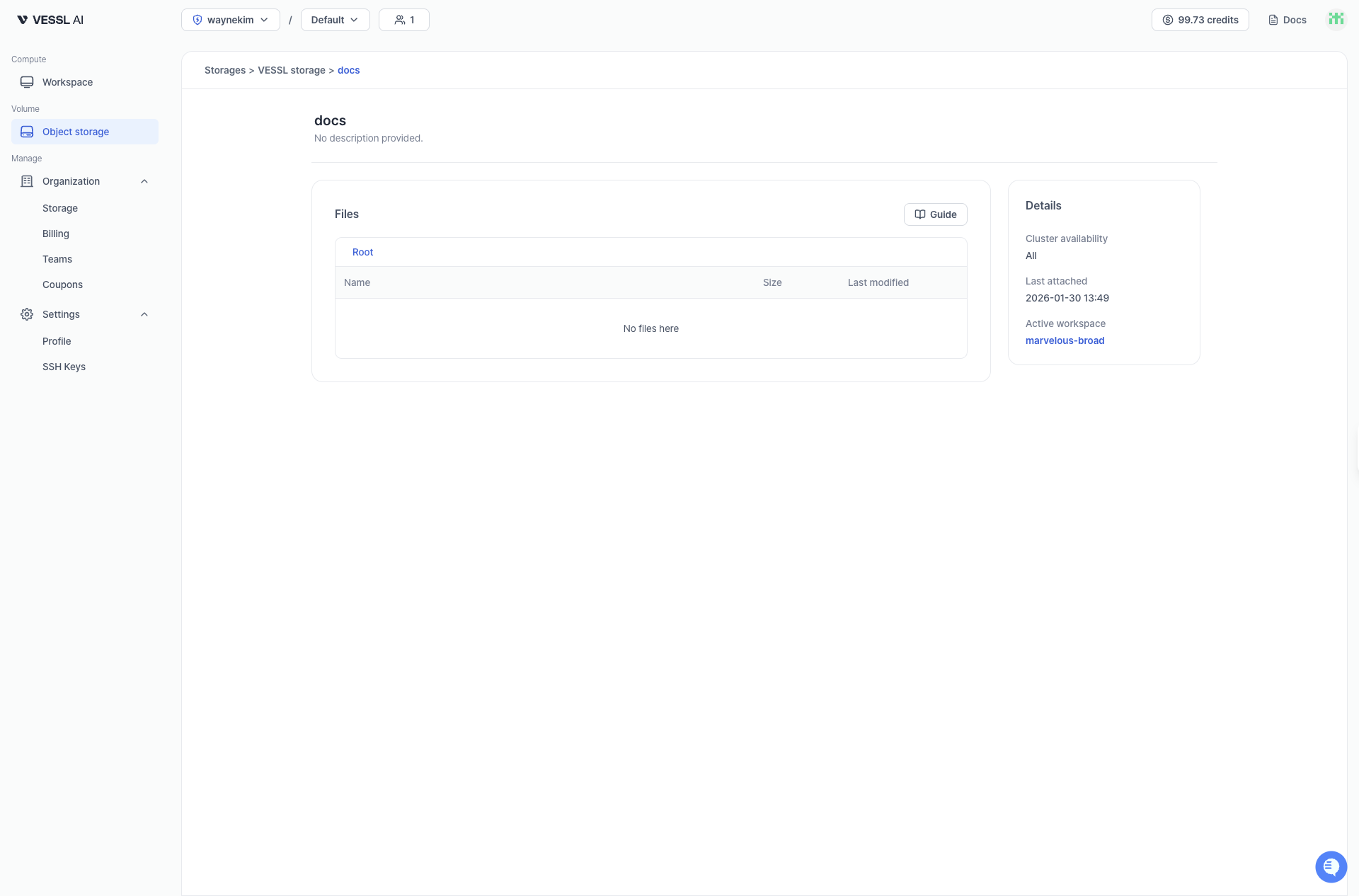
Access guide
On the Volume detail page, click the Guide button (book icon) to open the CLI guide modal. The modal includes:- AWS Credentials: Temporary credentials are automatically generated (expire after 36 hours). Click Copy All to copy all credentials at once. Use the Regenerate button to create new credentials if needed.
- AWS S3 Commands: Common commands for managing files. Each command has a copy button for easy use.
CLI operations
1
List files
2
Upload files
3
Download files
4
Delete files
Replace
<storage-id> and <volume-id> with the actual values shown in the Guide modal. Refer to AWS S3 CLI docs for advanced operations.Permissions
Volume access is controlled by team membership.- View and use: You can view and use volumes that are assigned to teams you belong to.
- Update: You can update volumes (name, description, team assignments) if you belong to at least one team assigned to the volume. When modifying team assignments, you can only add or remove teams you belong to.
- Delete: You can delete volumes if you belong to at least one team assigned to the volume.
Delete volume
Deletion restrictions:
- You cannot delete a volume while it is attached to active workspaces. Before deleting, you must stop or terminate all workspaces using this volume.
- You must belong to at least one team assigned to the volume, or be an organization admin.
- This applies to both Object storage and Cluster storage volumes.
- Go to the Volume detail page.
- Click the Delete button.
- Confirm the deletion by typing the volume name.