

Usage dashboard
The billing overview page provides a comprehensive view of your organization’s credit usage and payment information.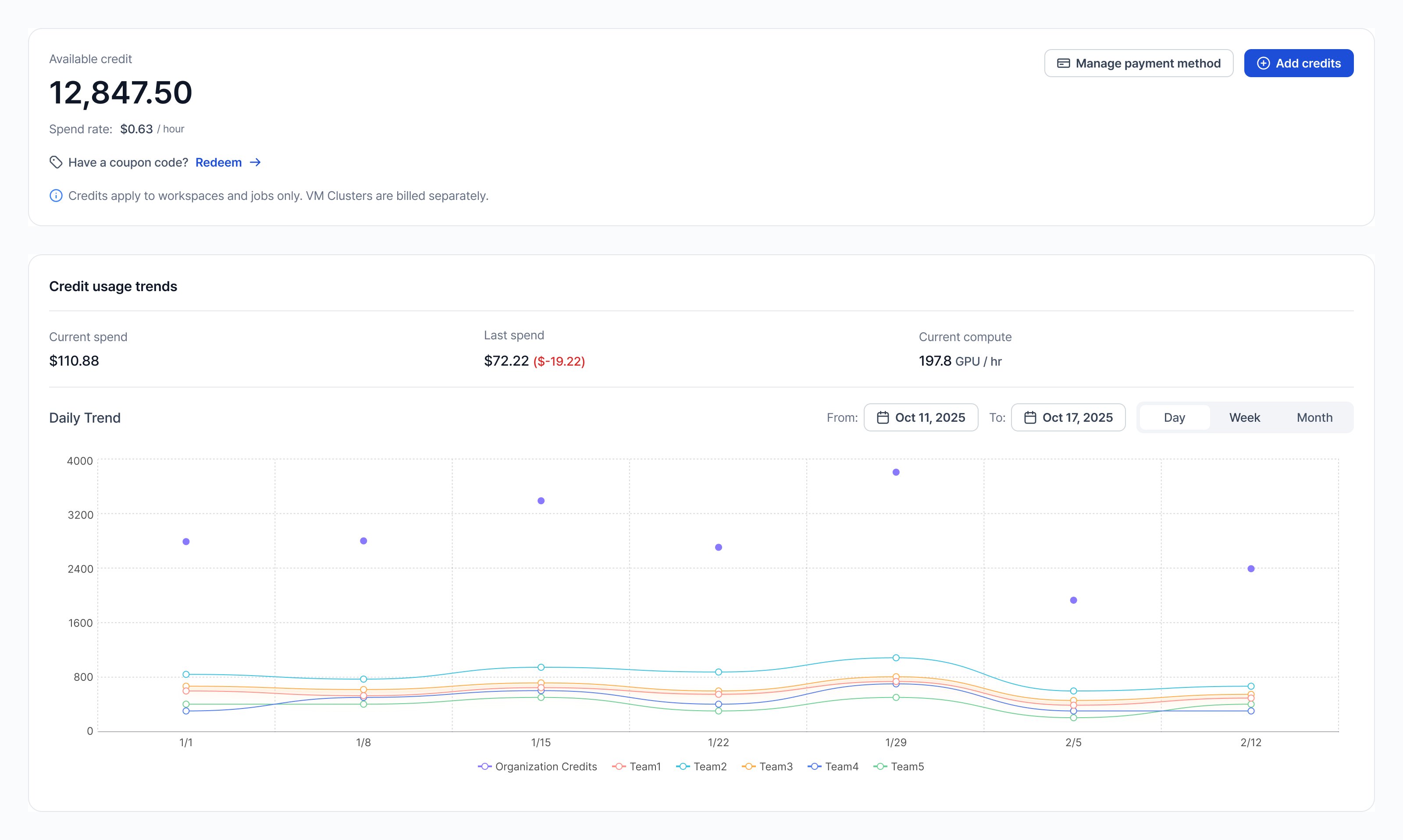
- Credits panel: Displays your current credit balance, spend rate (hourly), and an Add Credits button to top up your account
- Registered Card panel: Shows your saved payment method (masked card number and expiration date) with an Add Card button to register a new payment method
- Credit Usage Trends graph: Visualizes credit usage over time with options to view trends by Day, Week, or Month. The graph shows current spending, prior spend, and current spending rate
What admins can see
- Organization-level available credits and spend rate
- Charge credits using the top-up flow
- Manage payment methods (add/remove cards)
- Track org/team usage trends and download CSV reports
Payment method registration
If you haven’t registered a payment method or your credits are low, you’ll see a banner prompting you to add a payment method or top up credits.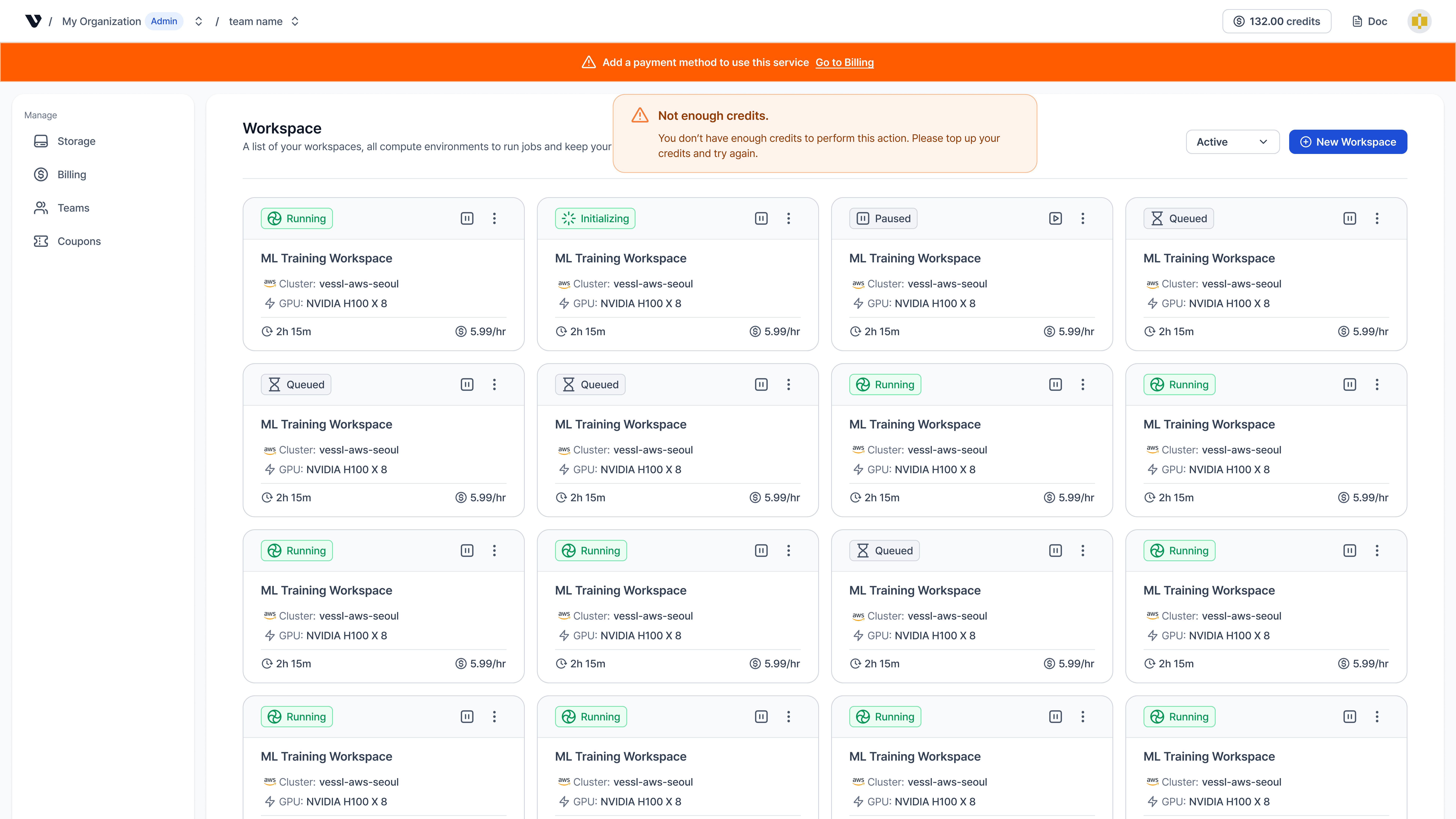
Access paths
- Header credits badge: Hover to view remaining credits and spend rate, then click to open Credit usage history
- Billing page: In the sidebar, select Settings, then select Billing under Organization
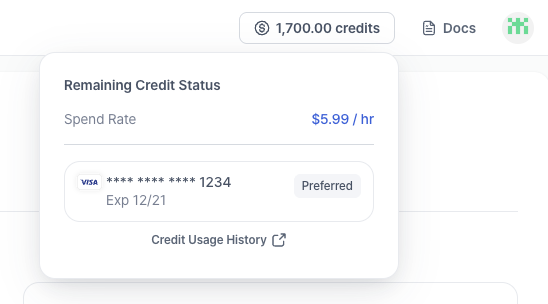
Spend rate includes currently running GPU resources. Paused workspaces contribute storage costs only.