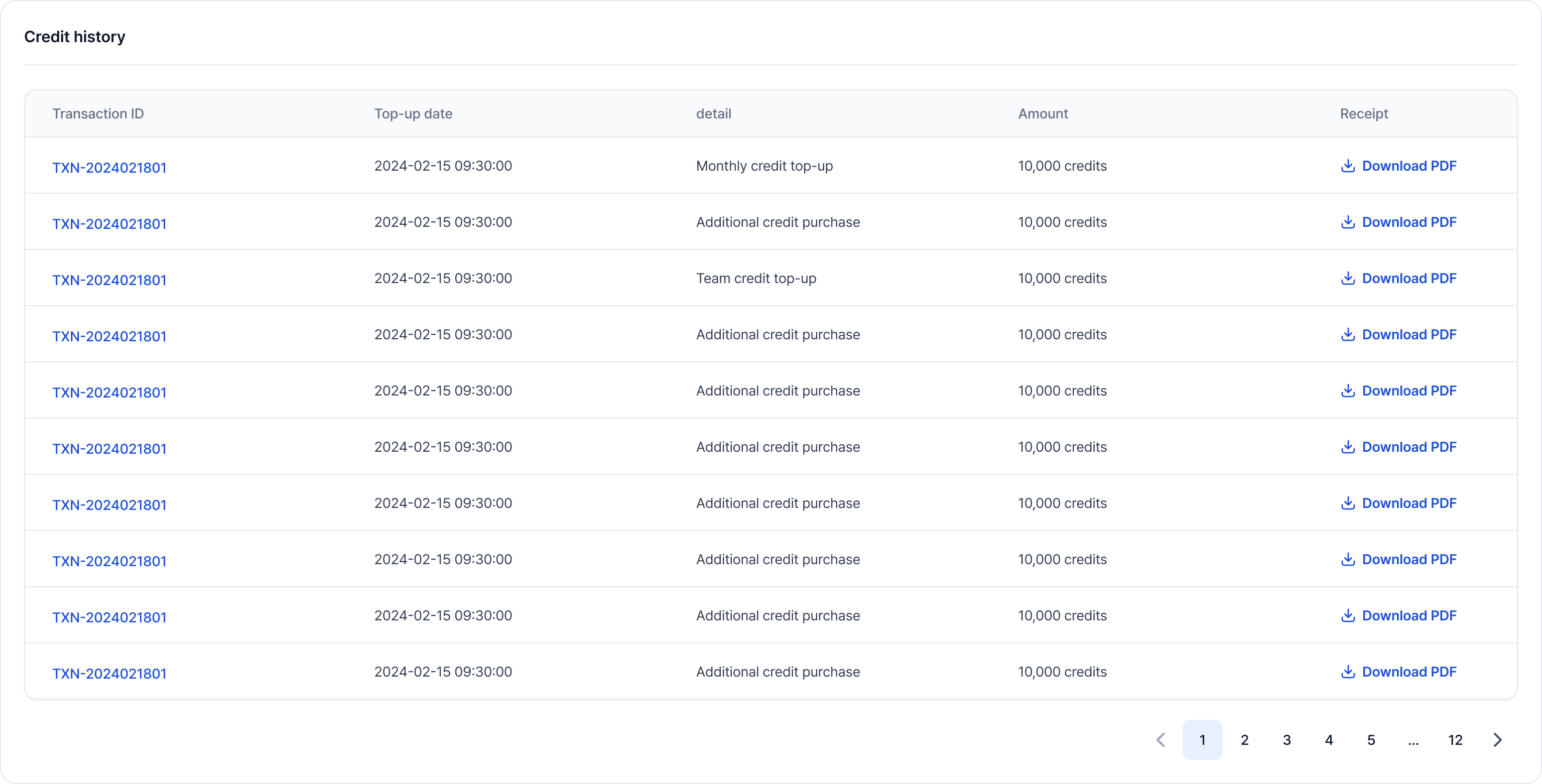
Admins can top up credits and review charge history. To access credits management:
  1. Go to the Organization admin page by clicking your Organization name from the top navigation bar.
  2. Open the Billing tab in the sidebar.
  3. Select the Credit history tab.
Credit Buffer Policy: VESSL provides a $10 buffer to prevent service interruptions when your balance reaches zero. Workspaces continue running until the buffer is exhausted. The buffer usage appears as a negative balance in the credit badge and is deducted from your next top-up.
Credit Exhaustion & TerminationIf your credit balance is exhausted beyond the buffer, running workspaces may be terminated to prevent further charges.
  • Notification: You will receive email alerts every hour starting 24 hours before forced termination.
  • Data Loss: Termination permanently deletes the workspace and its local data (workspace volume). Shared volumes are preserved.
  • Action: Please top up credits in advance to avoid service interruption and data loss.
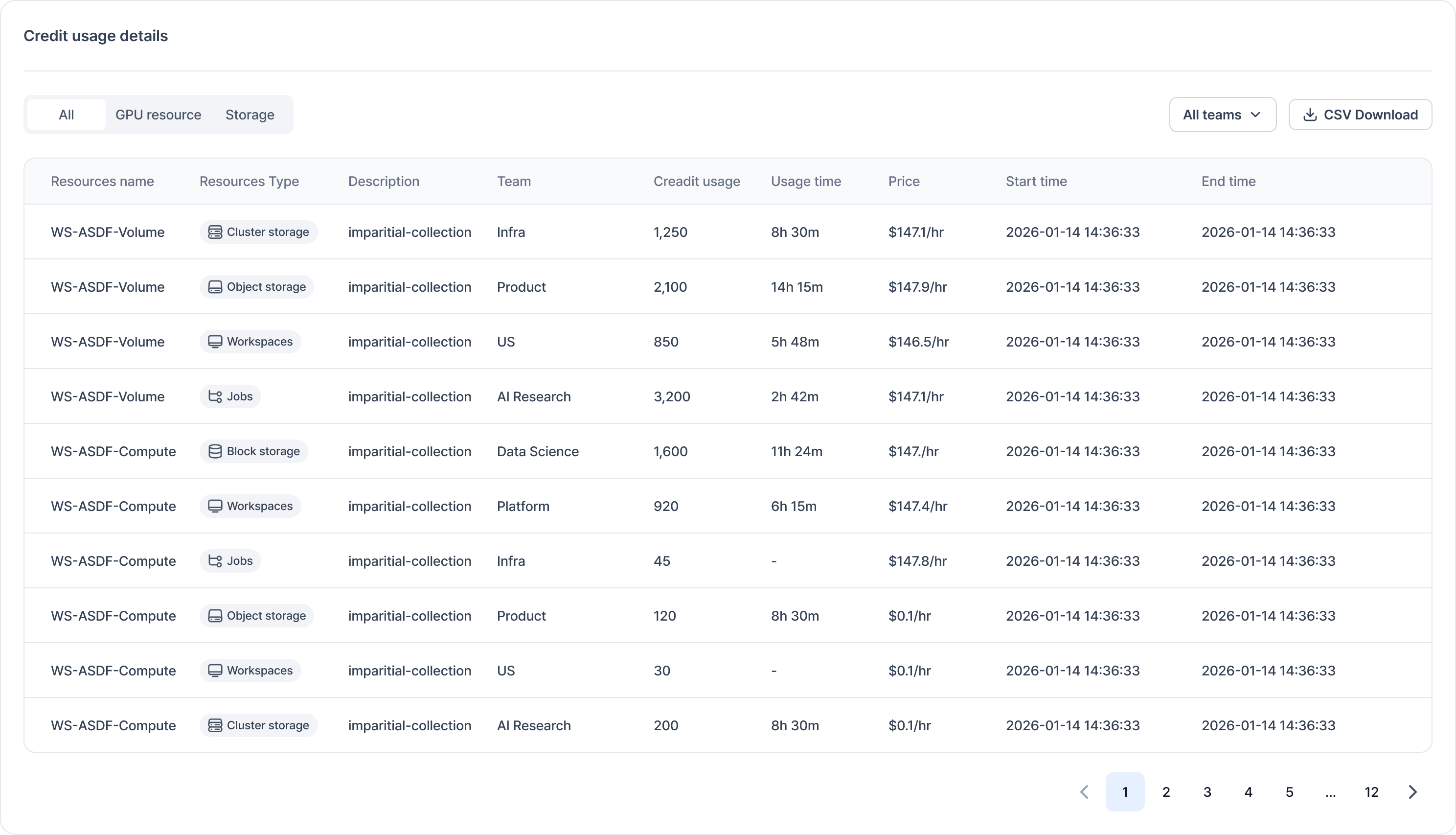
For each entry, you can review usage breakdown, download invoices, and request refunds (with status tracking).
Credit usage detail screenshot
Credit charge history screenshot