

Create Object storage volume
Members can also create Object storage volumes directly. See Create Object storage volume for the member guide.
- Click Object storage in the sidebar.
- Click Create new volume.
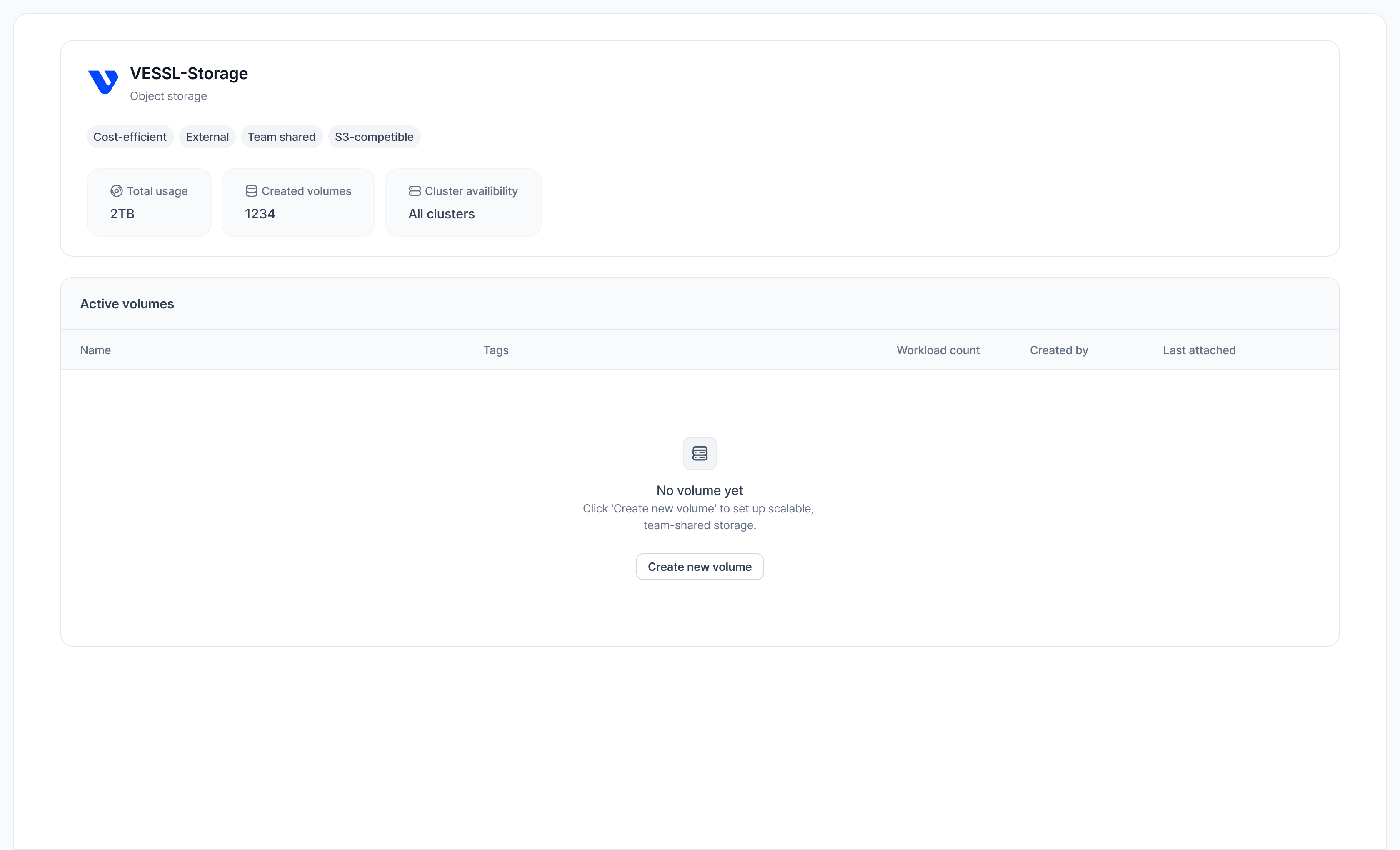
There is no size to provision — Object storage is billed by actual usage, measured daily. Current rates are shown on the storage page header; see Storage pricing for details.
Create Cluster storage volume
Cluster storage is provisioned per region by VESSL Cloud — you don’t create the underlying storage yourself. Pick a region when creating a volume:- Click Cluster storage in the sidebar.
- Click Create new volume.
- Select a region and enter a Volume name.
- Click Create.
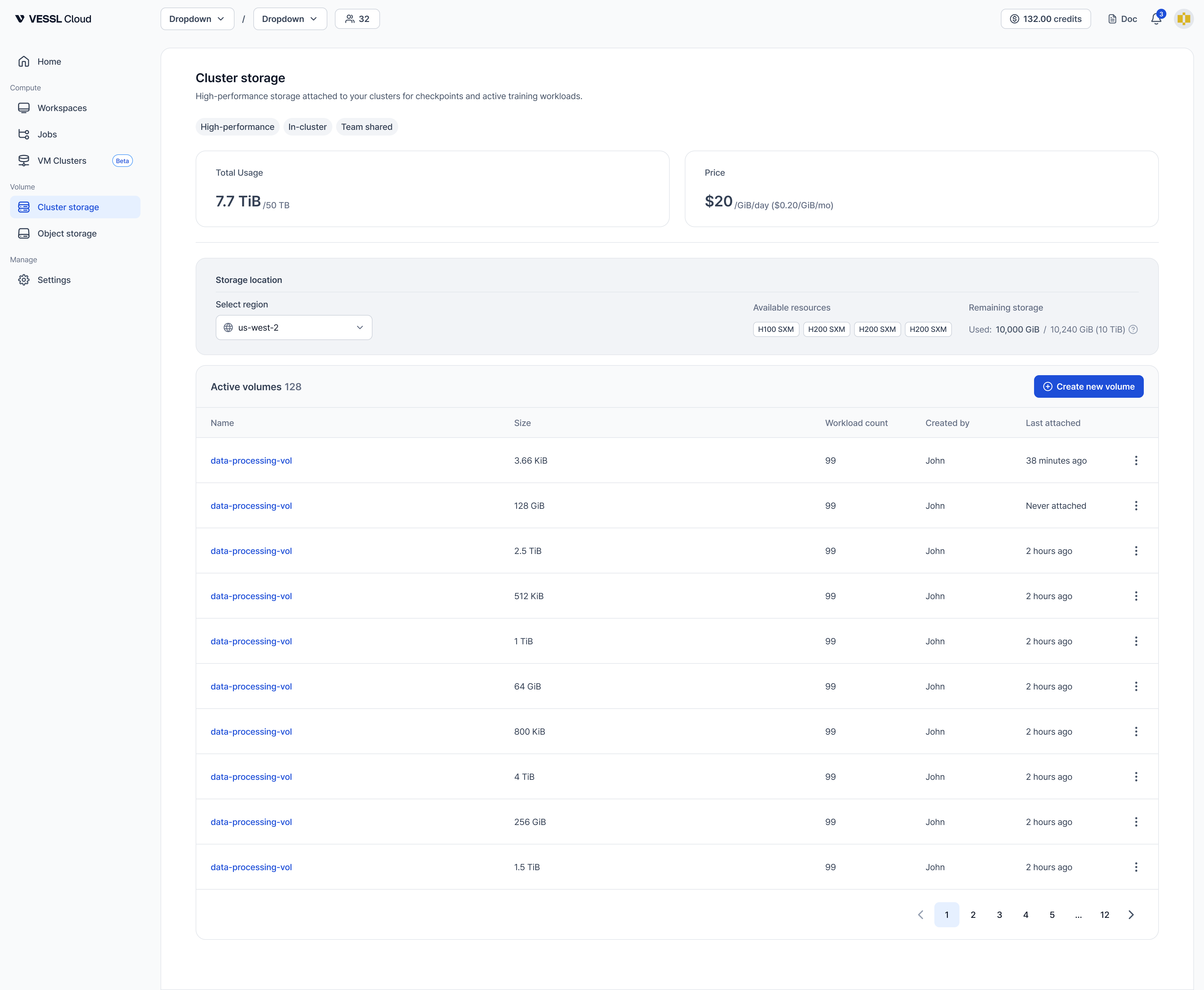
Cluster storage pricing: Billed at $0.20/GiB/month based on actual usage, measured daily (effective 2026-07-01). You no longer need to pre-provision exact capacity — billing follows what you actually store. See Storage pricing for the latest rates.
Key differences:
- Object storage: S3-backed, accessible from any cluster. Best for cross-cluster data sharing.
- Cluster storage: CephFS/NVMe, bound to one region’s cluster. Best for fast, persistent storage within a cluster.