

1
Open the Teams page
In the sidebar, select Settings, then select Teams under Organization.
2
Click Create team
Click the Create team button in the top right of the Teams page.
3
Fill in team details
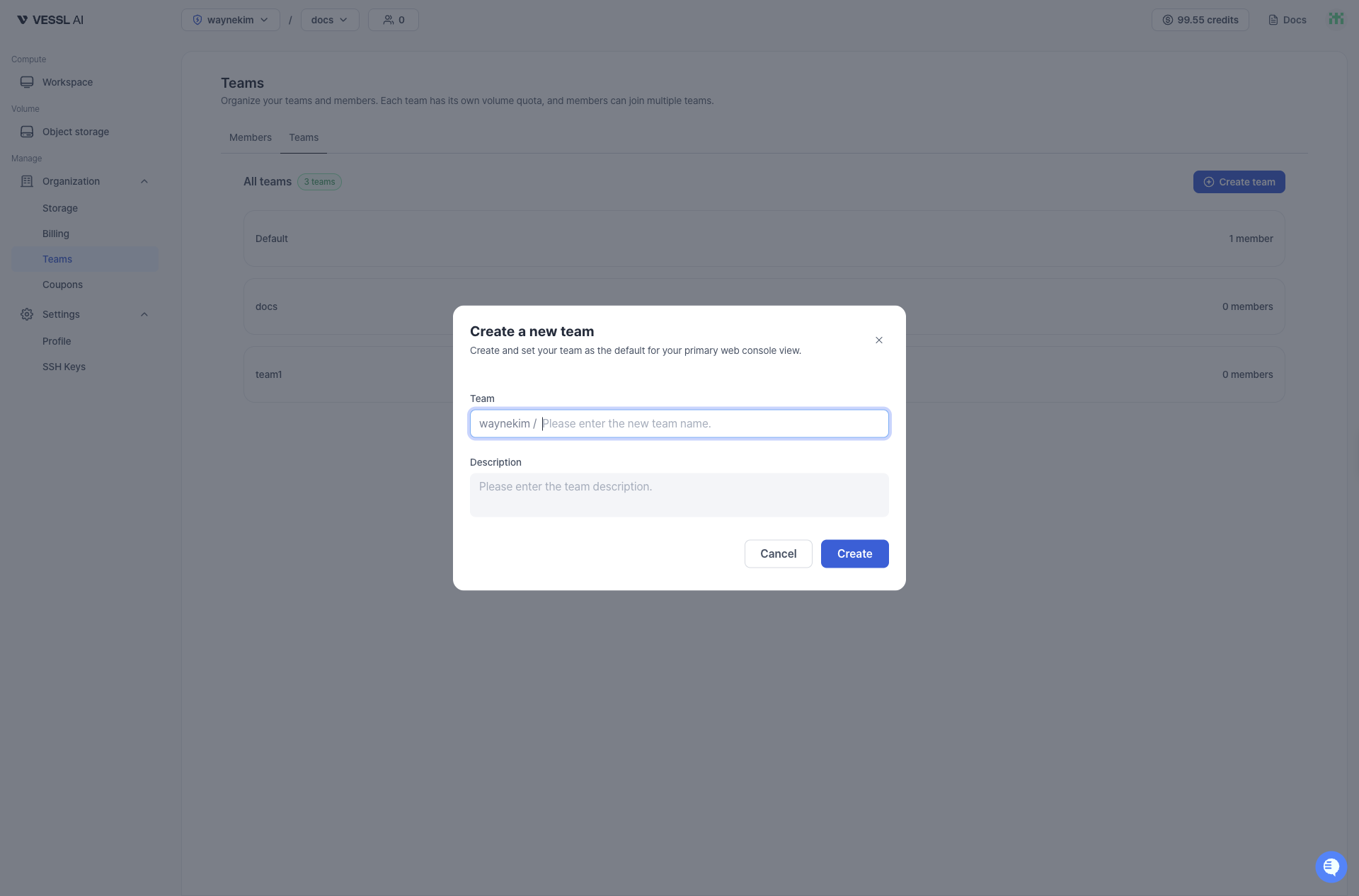
- Enter a Team name.
- (Optional) Add a Description to help identify the team’s purpose.
- Click Create to finish.
After creating a team, you can:
- Assign members to the team from the Member list or Invite member page
- Create and assign storage volumes for team collaboration
- View team details in the Team list