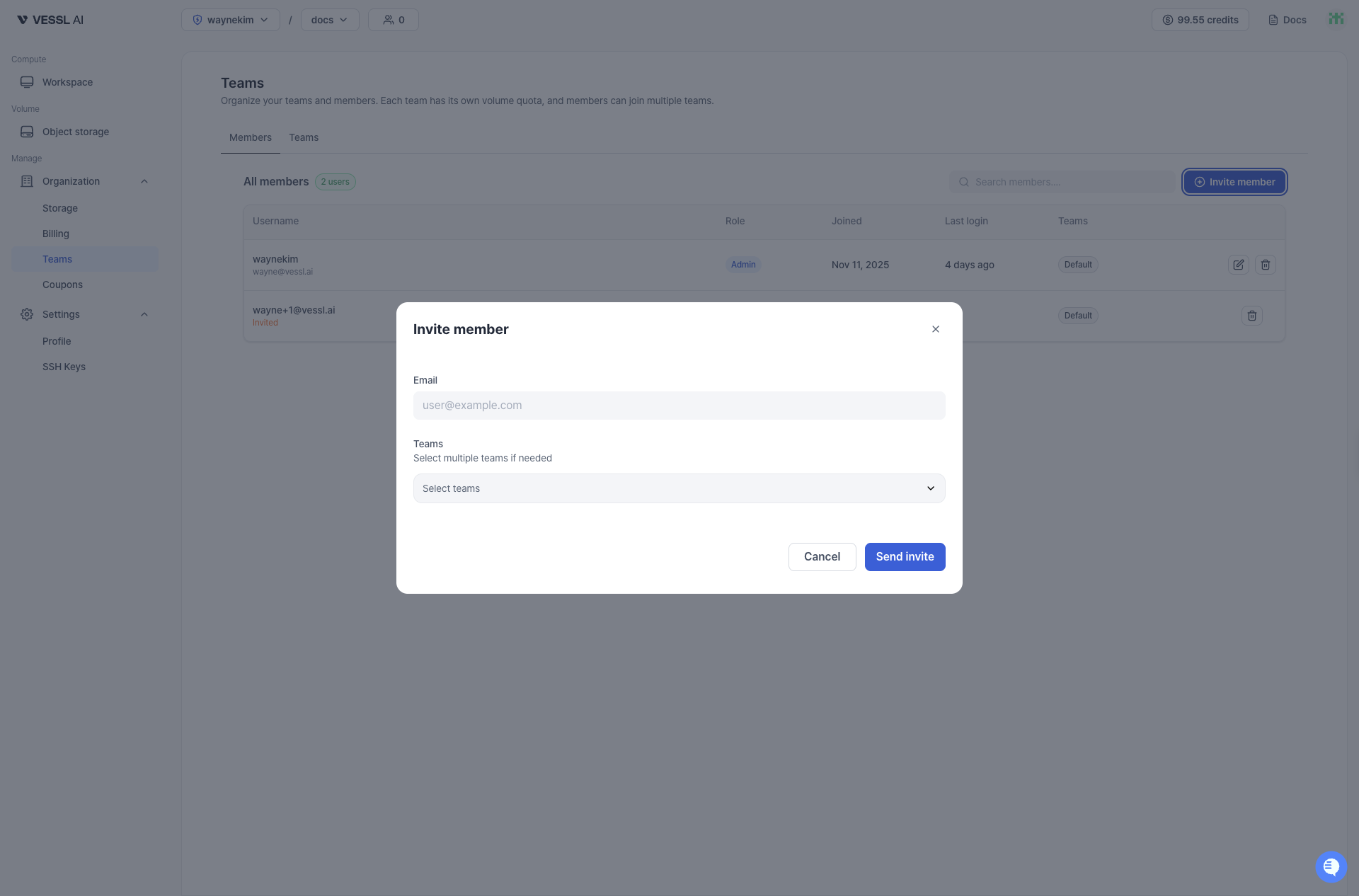
Invite users who are not part of your Organization yet. To invite a member:
  1. Go to the Organization admin page by clicking your Organization name from the top navigation bar.
  2. Open the Teams tab in the sidebar.
  3. Click Invite member or navigate to the team where you want to add the member.
1

Send an invite

Enter the user’s email and select at least one Team. The user will appear as Invited until they verify their email, then become Active.
2

Manage team memberships

A member can belong to multiple Teams. Adjust team assignments anytime.
You cannot invite an external user directly to a specific Team. First invite them to the Organization, then add them to a Team.
Invite member dialog screenshot