

Shared team resources
- Object storage (S3-backed, POSIX-compatible) and Cluster storage for sharing data/models/artifacts
- (Coming soon) Workspace visibility: standard images/spec guidance across the team
- (Coming soon) Collaborative workspaces
Key operational points
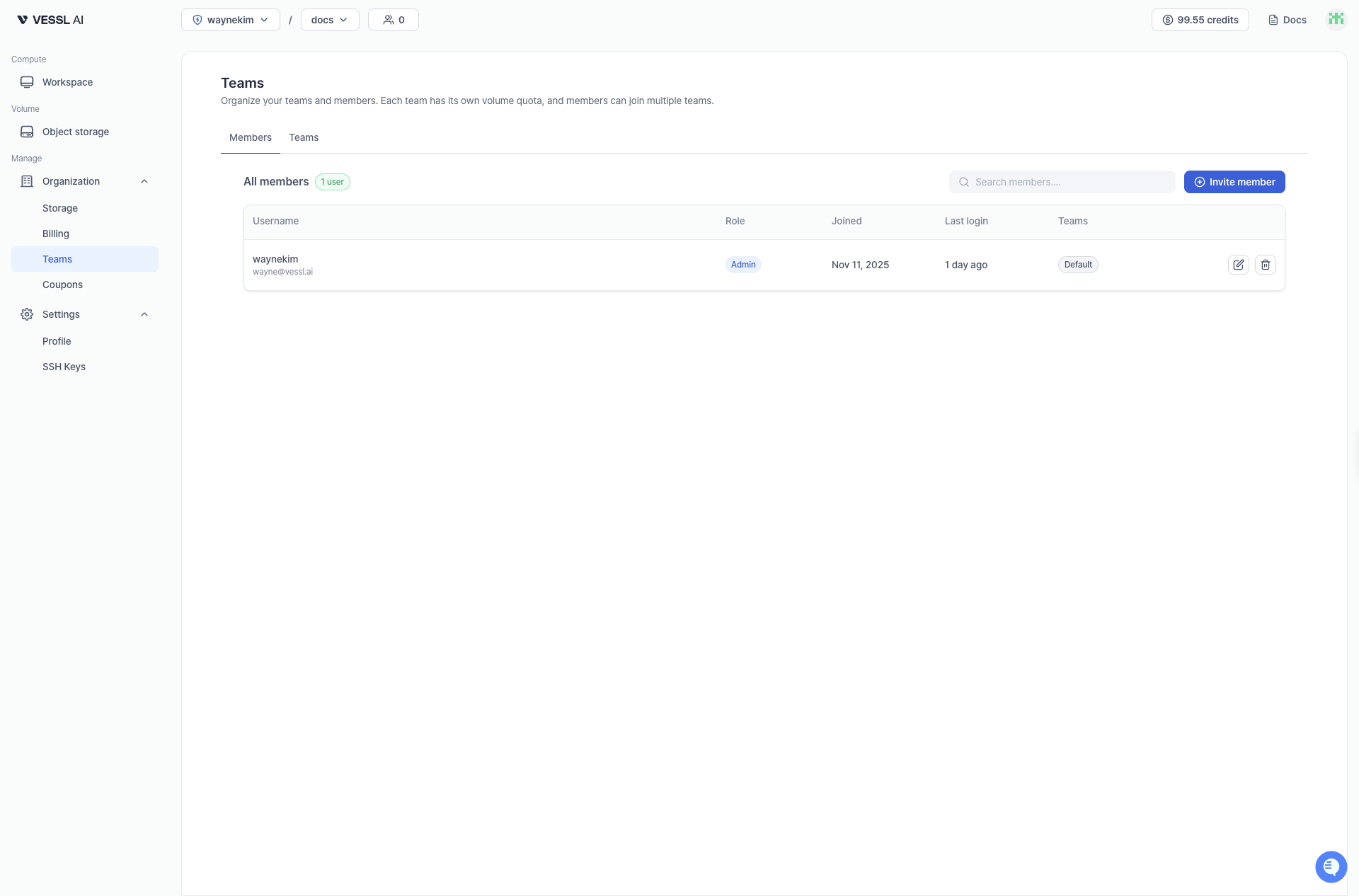
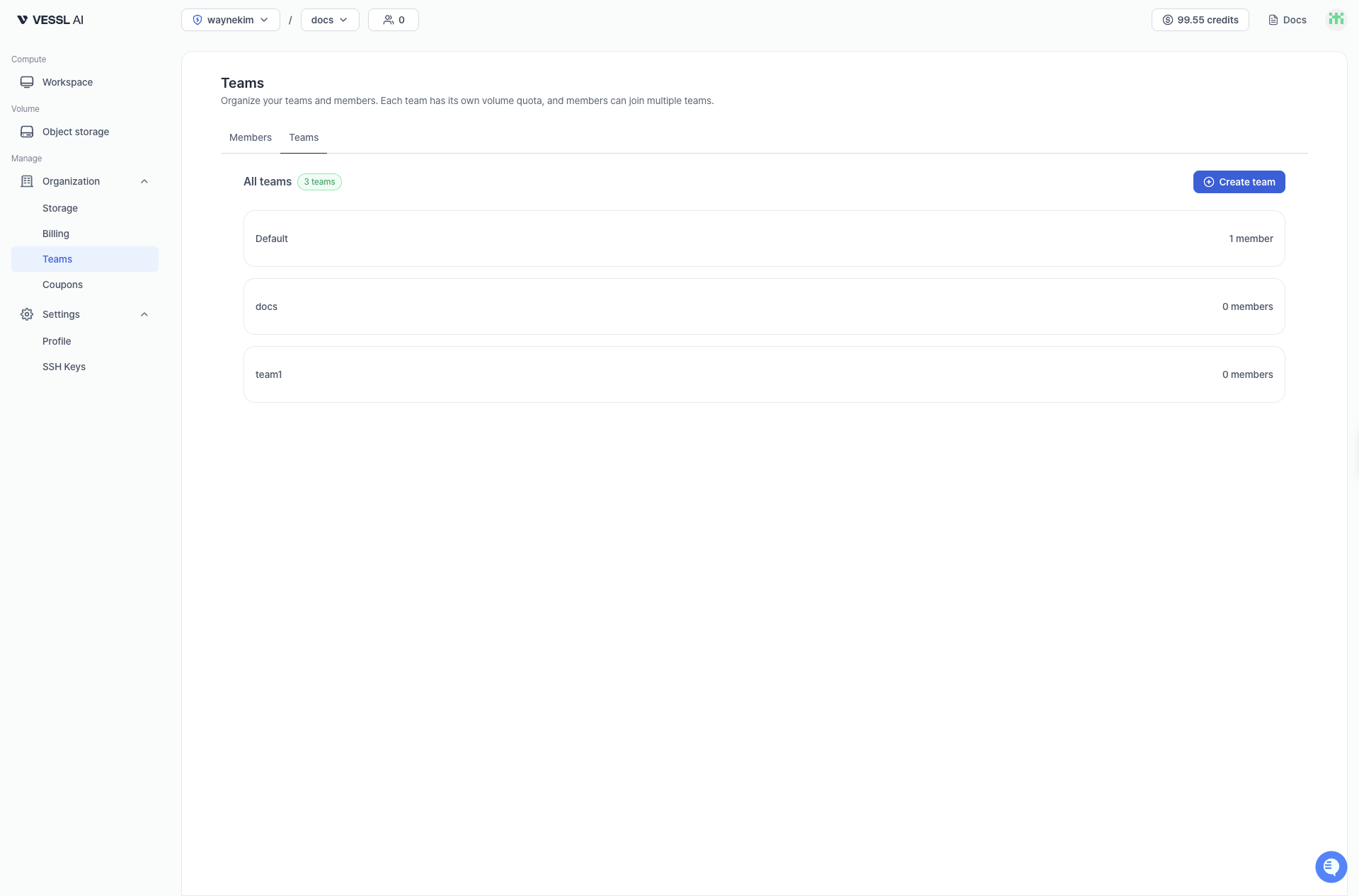
- Multiple team membership: a member can belong to multiple teams
- Invite/join flow: email invite → Invited → becomes Active after verification
- Usage-based billing: storage is billed based on actual usage, no pre-allocation needed