

job command lets you create and manage batch compute jobs on VESSL Cloud. Jobs run a command to completion on a specified cluster and resource configuration.
list
List jobs in the current team.
Example:
show
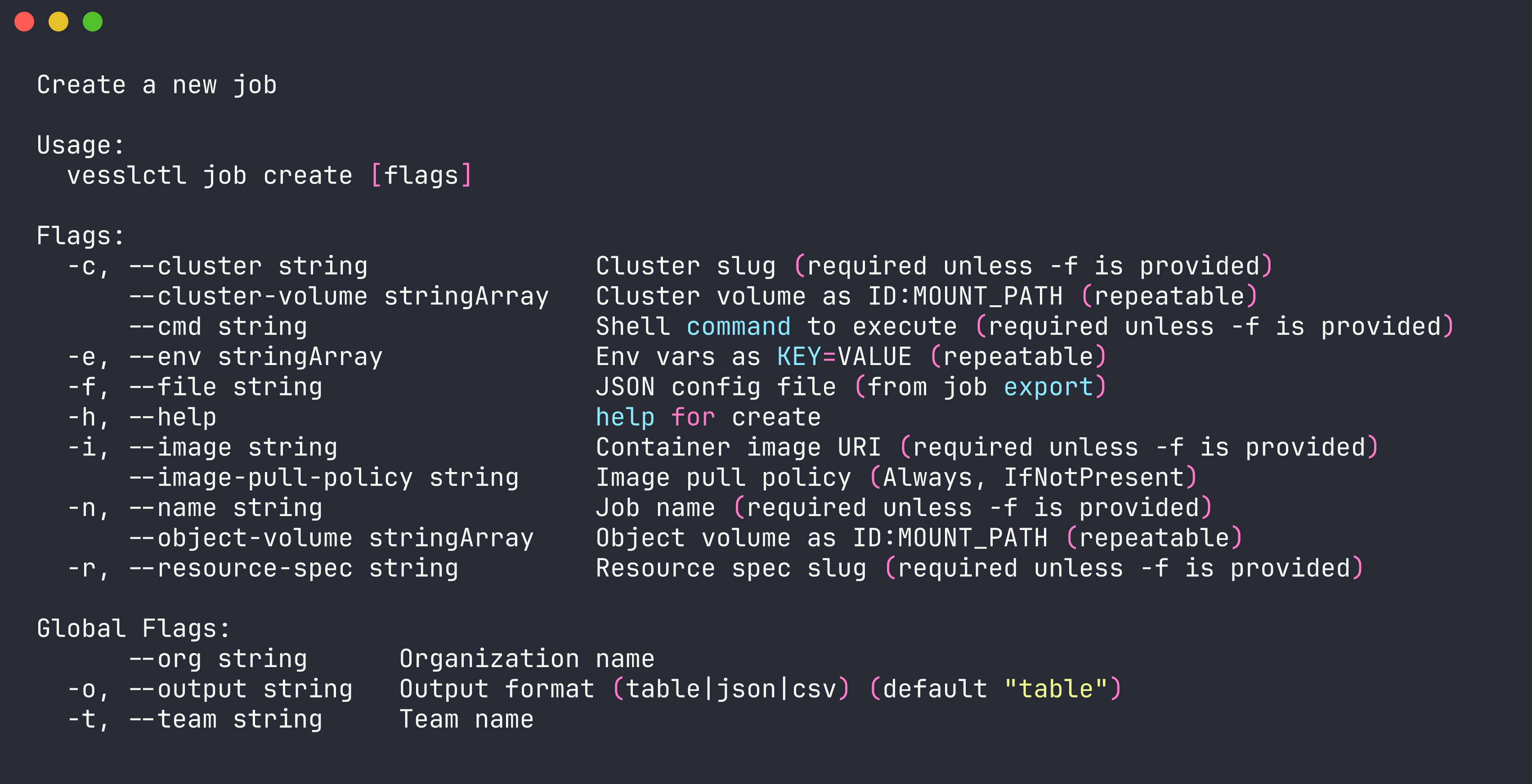
Display detailed information about a specific job.create
Create and submit a new job. You can provide configuration inline with flags or using a JSON file.
Example with inline flags:
Pricing summary and credit balance.
job create shows the resource spec, hourly cost, current credit balance, and estimated remaining hours before submitting. Creation is blocked when the balance is zero or negative — run vesslctl billing show to inspect, or top up before retrying.terminate
Terminate a running job.export
Export a job’s configuration as JSON. Useful for reusing or version-controlling job configs.logs
View logs from a job.
Example:
metrics
Show a summary of job metrics (GPU, VRAM, temperature, CPU, memory, network, and storage) over a time range.
The range must be shorter than 90 days. The default table (and
-o csv) shows one row per metric series with the latest, average, and maximum value and the sample count; it is a summary, not the time series. Use -o json for the raw series: gpu and cpu values are ratios from 0 to 1, byte metrics (vramUsage, memory, network, temporaryStorage, persistentStorage) are raw bytes, and temperature is in Celsius. If no samples exist in the range (for example, a stopped job), rows show - with 0 samples and a notice is written to stderr; the command still exits successfully.
Example:
tag
Manage tags on a job. See vesslctl tag for details onjob tag attach and job tag detach.