

vesslctl is the command-line interface for VESSL Cloud. Manage workspaces, batch jobs, storage, and team settings from your terminal.
Why vesslctl
- Develop and train in one tool: Launch interactive workspaces for development, then submit batch jobs for training, all with the same CLI
- Built for teams: Org and team scoping ensures workloads, volumes, and billing are isolated where they need to be
- Flexible storage: Choose Object storage for cross-cluster access or Cluster storage for high-performance local I/O, and mount volumes into any workload
- AI-native: Connect VESSL Cloud docs to Claude Code, Cursor, or any MCP-compatible tool so your AI assistant references accurate CLI documentation. See Use with AI tools
- Scriptable: Combine commands in shell scripts to build hyperparameter sweeps, data pipelines, or autonomous experiment loops
Installation
Supported platforms — macOS 15+, Ubuntu 20.04+, or Windows 10+. No other environment dependencies.
1
Install vesslctl
2
Log in
3
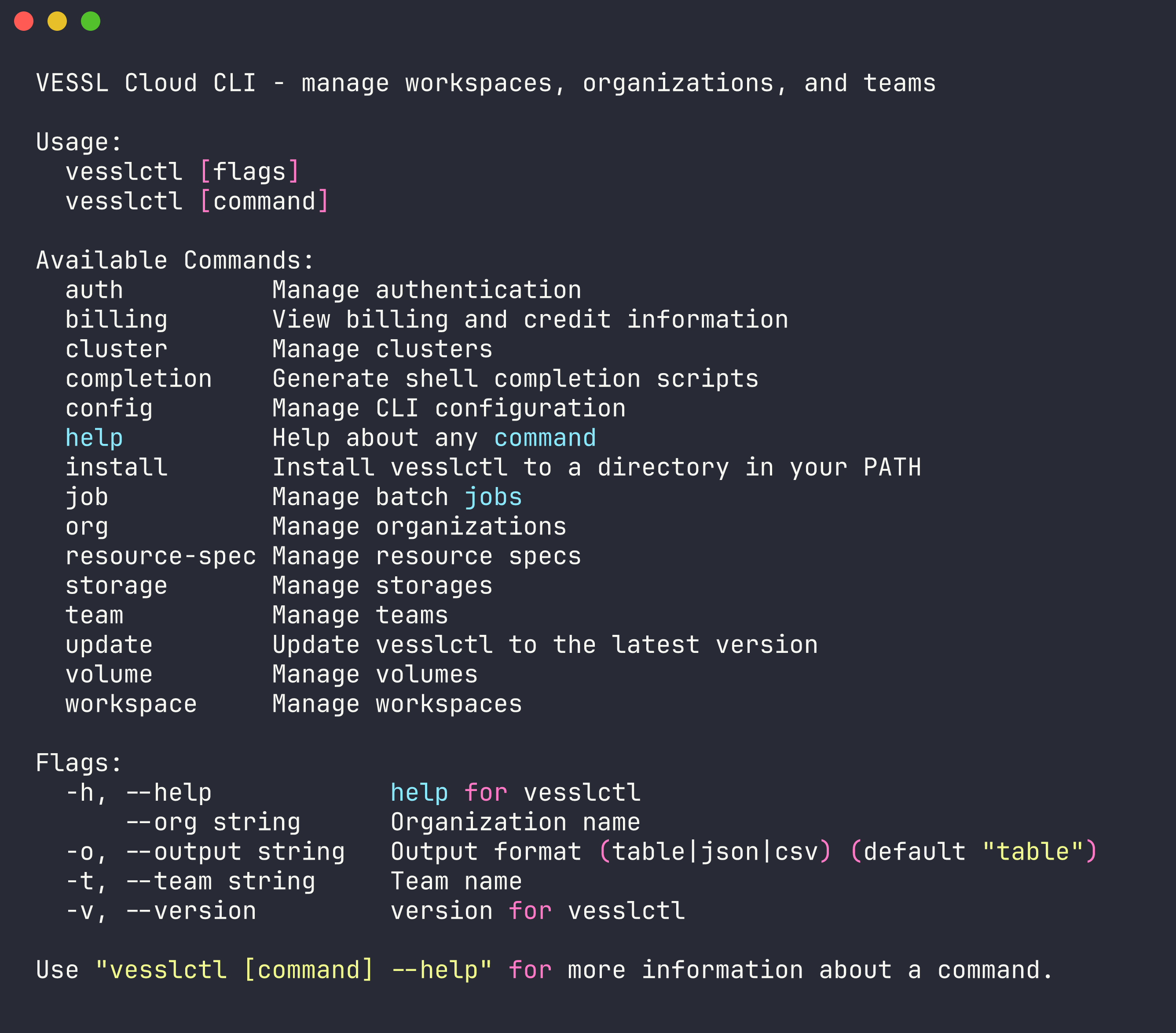
Verify installation
Global Flags
Every command supports these flags:Set Defaults
After logging in,vesslctl prompts you to select a default organization and team. You can change them anytime:
Environment variables
vesslctl reads these environment variables. Flags take precedence over env vars, which take precedence over the config file:
Shell Completion
The easiest way to enable tab completion is theinstall subcommand — it detects your shell automatically and writes the script to the right place:
~/.zshrc needs an fpath entry.
Manual setup
Manual setup
If you prefer to manage completion scripts yourself:
Update
Keepvesslctl up to date: