

VESSL Cloud storage
Workspaces come with Temporary storage that disappears when stopped. To keep your data, use persistent storage.Using Cluster storage
Cluster storage provides fast, persistent storage within a cluster. Multiple workspaces on the same cluster can mount the same volume simultaneously.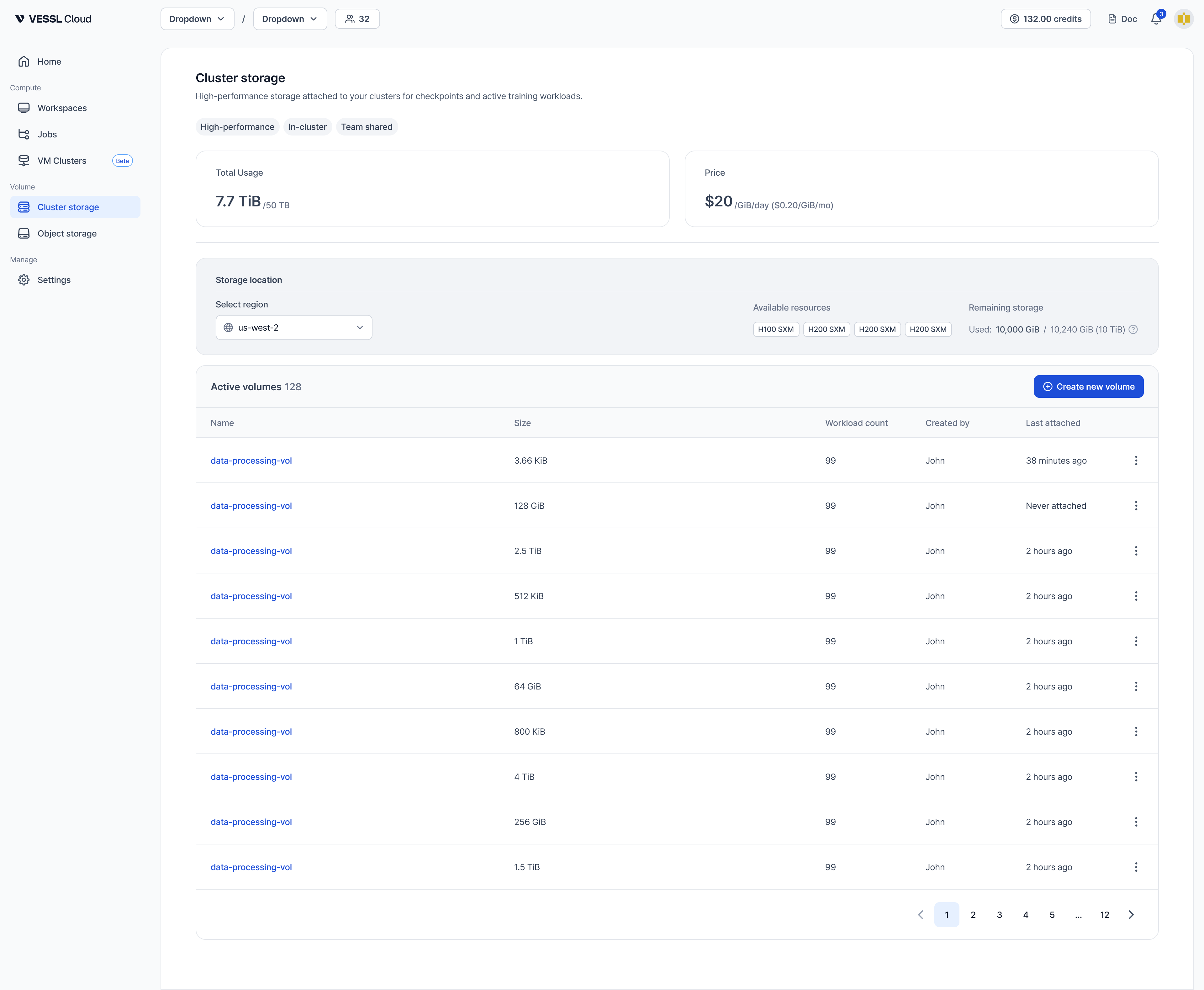
How to get started
- Check availability: Go to Cluster storage in the sidebar to see volumes assigned to your team.
- Mount to a workspace: When creating a workspace, select Cluster storage volumes in the Storage step. Choose a mount path (for example,
/rootor/data). - Use it: Access your files at the mount path inside the workspace. Install packages, save checkpoints, and store code — everything persists across workspace restarts and terminations.
Cluster storage volumes can only be created by organization admins. If no Cluster storage is available for your team, contact your admin to set it up. See Manage storage (admin).
Key characteristics
- Bound to a cluster: Only workspaces on the same cluster can mount the volume
- Read-Write-Many (RWX): Multiple workspaces can access the same volume simultaneously
- Data persists: Data survives workspace stop, pause, and terminate
- ~150 MB/s throughput: Fast enough for large dataset loading and model checkpoints
- Pricing: $0.20/GiB/month, billed daily based on actual usage from 2026-07-01. See Storage pricing for details.
Using Object storage
Object storage provides S3-backed storage that can be shared across any cluster in your organization.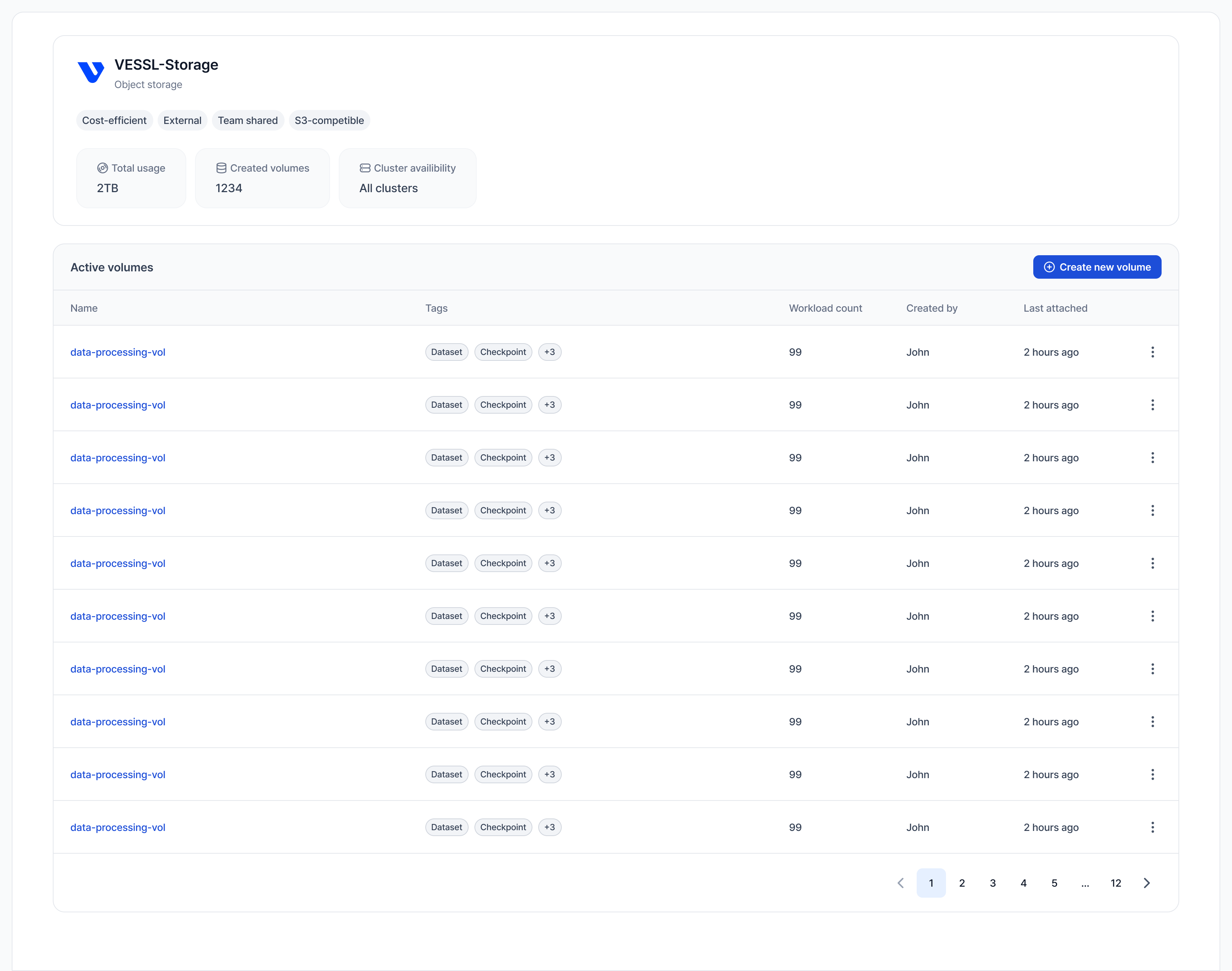
How to get started
- Create a volume: Go to Object storage in the sidebar and click Create new volume. See Create Object storage volume for details.
- Mount to a workspace: When creating a workspace, select Object storage volumes in the Storage step.
- Use it: Access your files at the mount path (recommended
/shared). Share datasets, checkpoints, and artifacts across teams and clusters.
Object storage is slower than Cluster storage and is not suitable as your main workspace path. VESSL Cloud rejects
/root as an Object storage mount path, so the workspace will fail to create — use /shared or another dedicated path instead.Key characteristics
- Cross-cluster access: Mount from workspaces on any cluster in your organization
- Read-Write-Many (RWX): Multiple workspaces can read and write simultaneously
- S3-backed: Durable, scalable storage
- ~150 MB/s throughput: Suitable for large dataset sharing
- Self-service: Any team member can create Object storage volumes
Key difference:
- Object storage: S3-based, accessible from all clusters. Best for shared datasets, checkpoints, and cross-cluster artifacts.
- Cluster storage: CephFS/NVMe-based, bound to one cluster. Best for code, virtualenvs, package installs, and fast persistent storage within the cluster.