

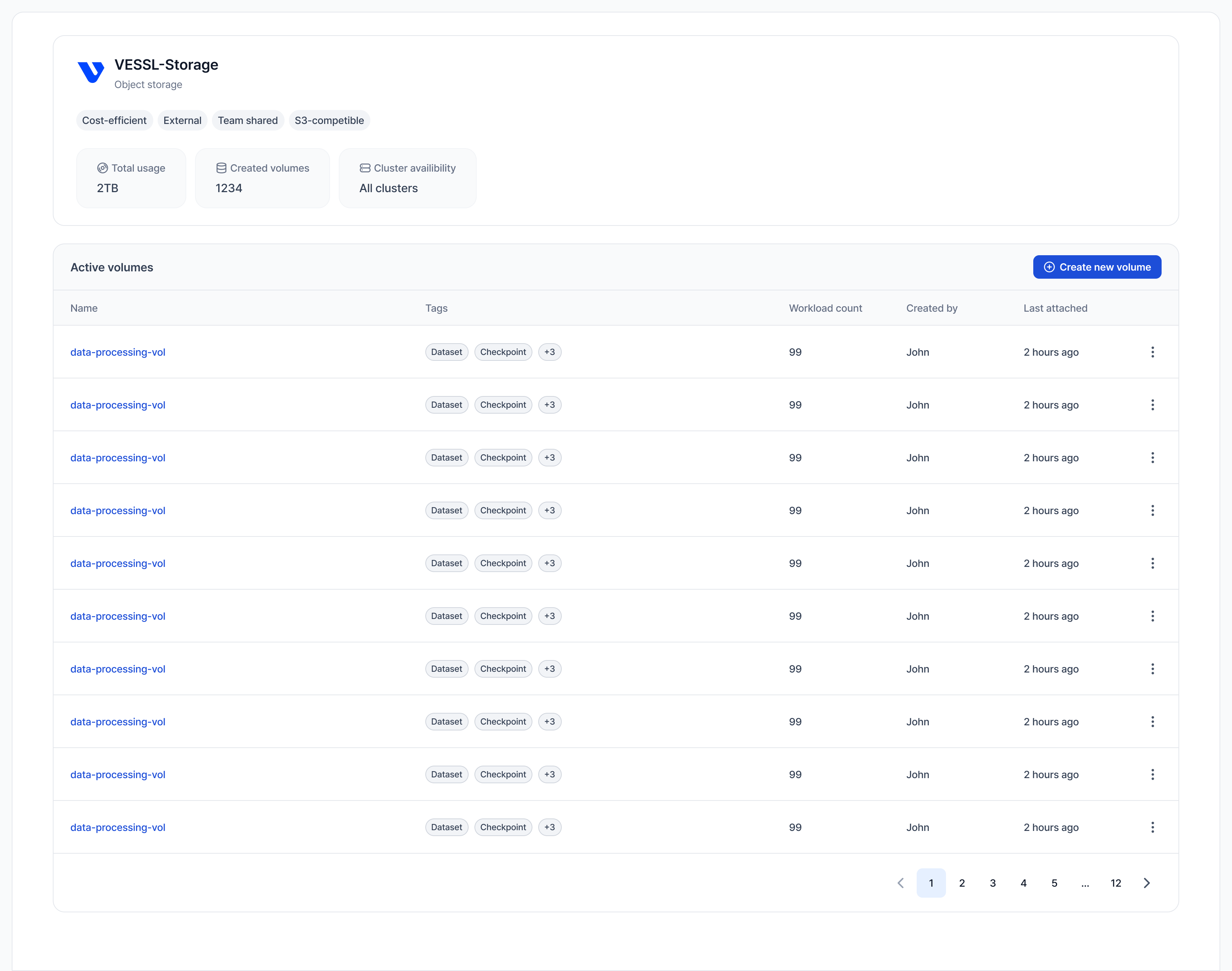
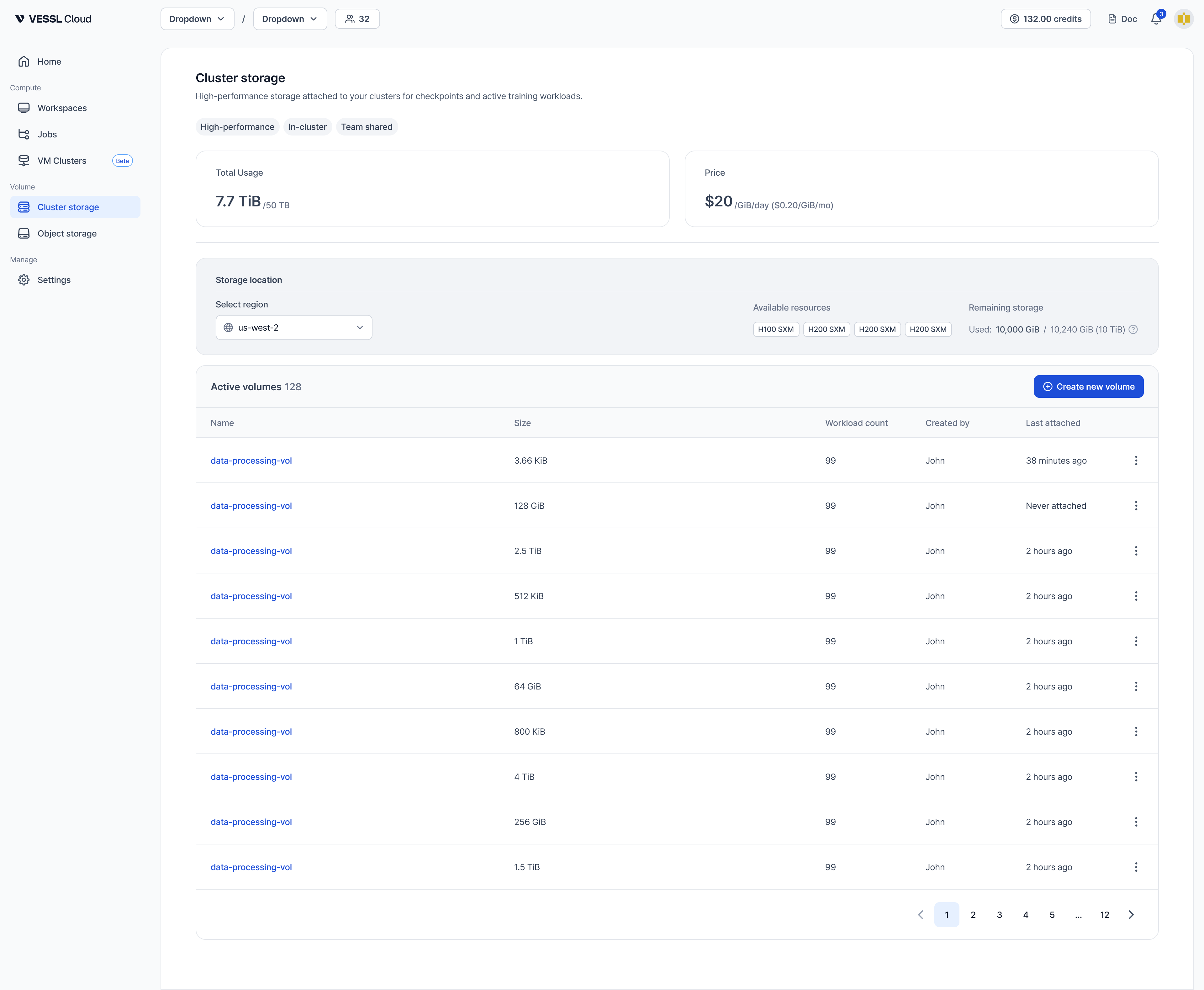
Quick demo
Explore how to view and access storage volumes with the quick demo below.The volume list shows the following columns:
- Name: Volume name
- Type: Storage type (Object storage or Cluster storage)
- Usage: Current storage usage
- Teams: Teams with access to this volume
- Created by: User who created this volume
- Cluster: Clusters where the volume can be mounted (Object storage is accessible across all clusters)
- Last accessed: Last time it was attached to any workspace