

Scope
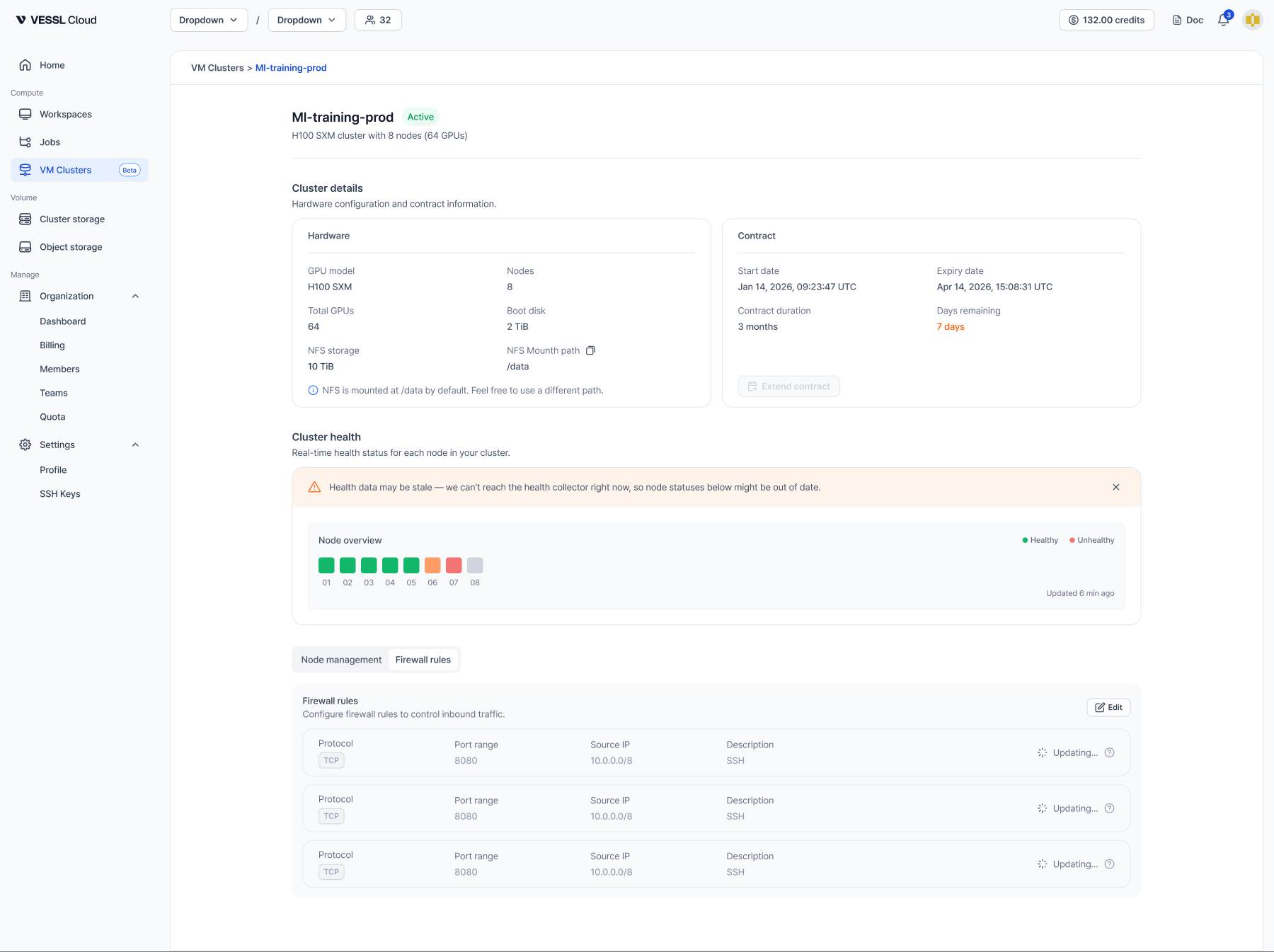
Rules apply to the entire cluster — every node gets the same rules. You can’t set rules per node.When you can edit
You can edit rules while the cluster is Active. Click Edit in the Firewall rules tab, change rules inline, then click Save to apply. While changes propagate, each row shows an Updating… indicator; this usually takes a few seconds to a few minutes. The team is notified by email when rules change.Rule fields
Presets are available for common cases: SSH (TCP/22), HTTP (TCP/80), HTTPS (TCP/443), Custom TCP, Custom UDP, and All traffic.
Default rule
When you first open the rule form, an SSH rule (TCP/22 from0.0.0.0/0) is prefilled as a starting point. You can keep it, edit it, or remove it before saving — there are no managed rules, and every rule is treated equally.
Rule policies
- No duplicates — a rule with the same protocol, port range, and source as an existing rule is rejected. Change any one of the three and it’s allowed.
- CIDR notation is required — even a single IP must use
/32(for example,10.0.0.1/32).