

Available models
More models may be added over time. Inference → Models in VESSL Cloud always shows the current list.
Within your contract term, we roll out newer versions of your model in step with its release cycle.
In the model list, each card shows the modality, the Provisioned Throughput Unit (PTU) rate, and the context length. A model you already hold a contract for carries an Active · N PTU badge.
Need a model that isn’t listed? Talk to sales.
The model page
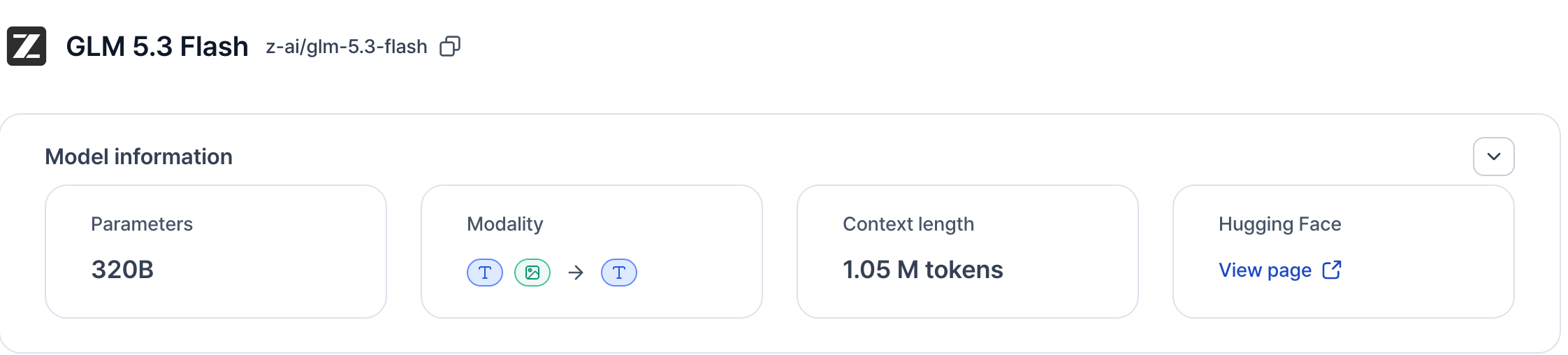
- Model ID — shown next to the model name, with a copy button. Use it as the
modelvalue in API requests. See Send your first request. - Model information — parameters, supported modalities, context length, and a link to the model’s Hugging Face page. Expand Details below it for the provider, category, supported features (such as JSON mode and tool calling), and release date.
- Deploy options — before you have a contract, the Provisioned Throughput card shows the billing unit, the SLA, and the PTU rate, with Estimate total cost and Contact sales. See Request Provisioned Throughput. Once your contract is active, the same card shows Provisioned capacity is live, your reserved PTUs, and the contracted period. See Manage your contract.
- Usage summary — unlocked once your contract is active. See Monitor inference status.
- Previous contracts — the history of this model’s Provisioned Throughput contracts. See Manage your contract.