Members tab
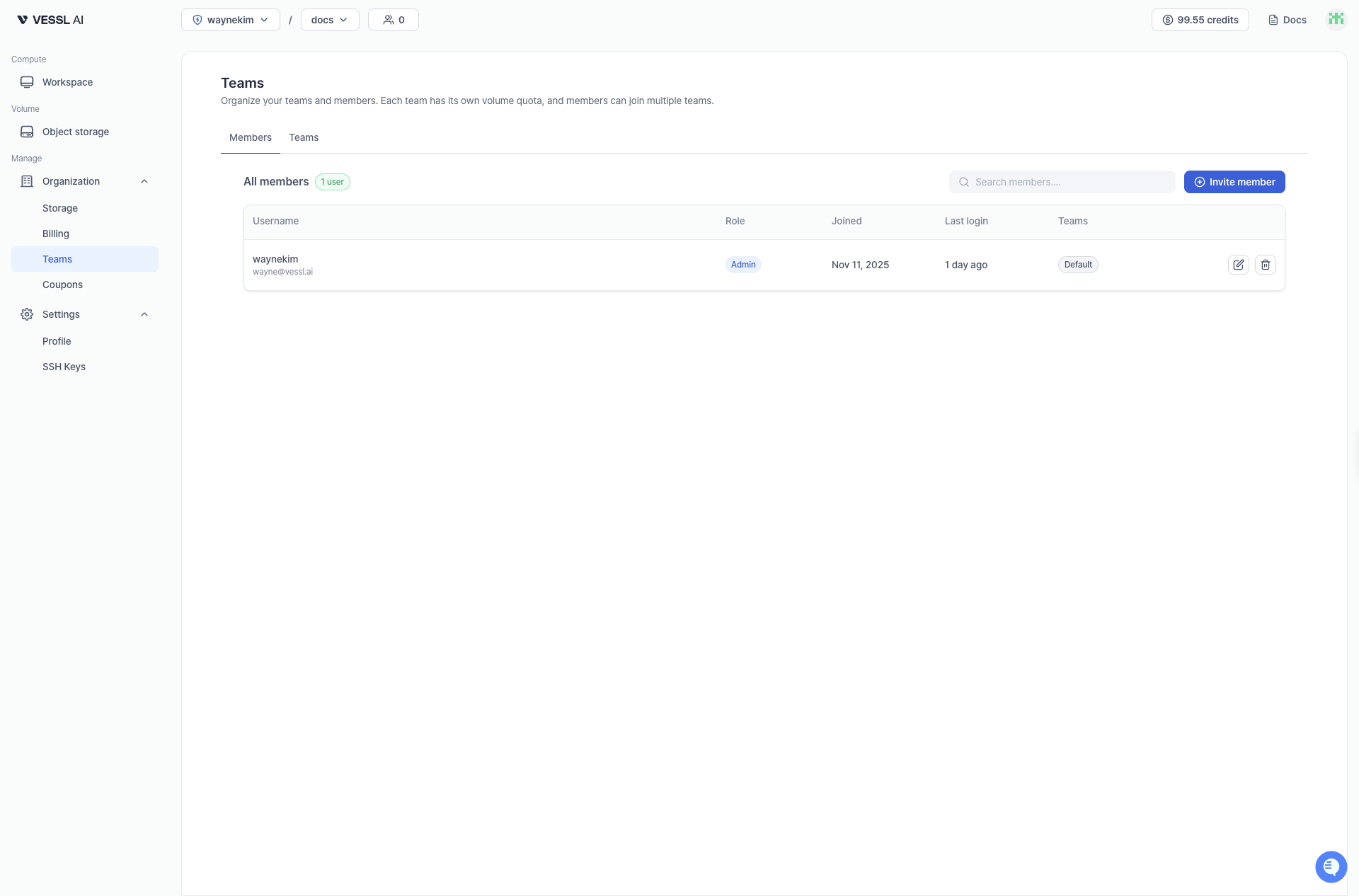
The Members tab lists all members in your organization with their team assignments and activity information.- Username: name and email
- Role: member role in the organization
- Joined: date when the user joined the organization
- Last login: last sign-in time
- Teams: teams the member belongs to
Teams tab
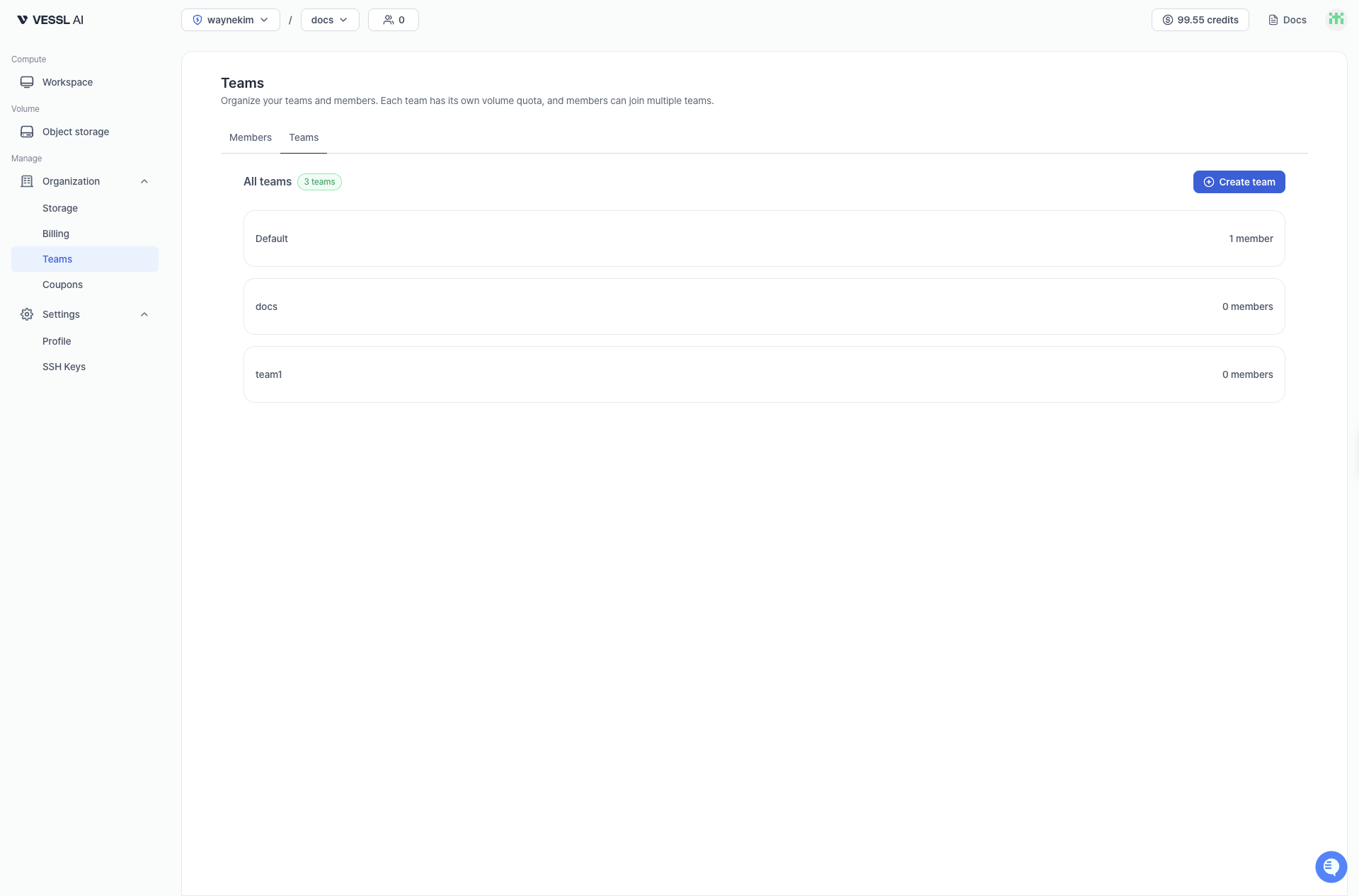
The Teams tab shows all teams and their member counts.