

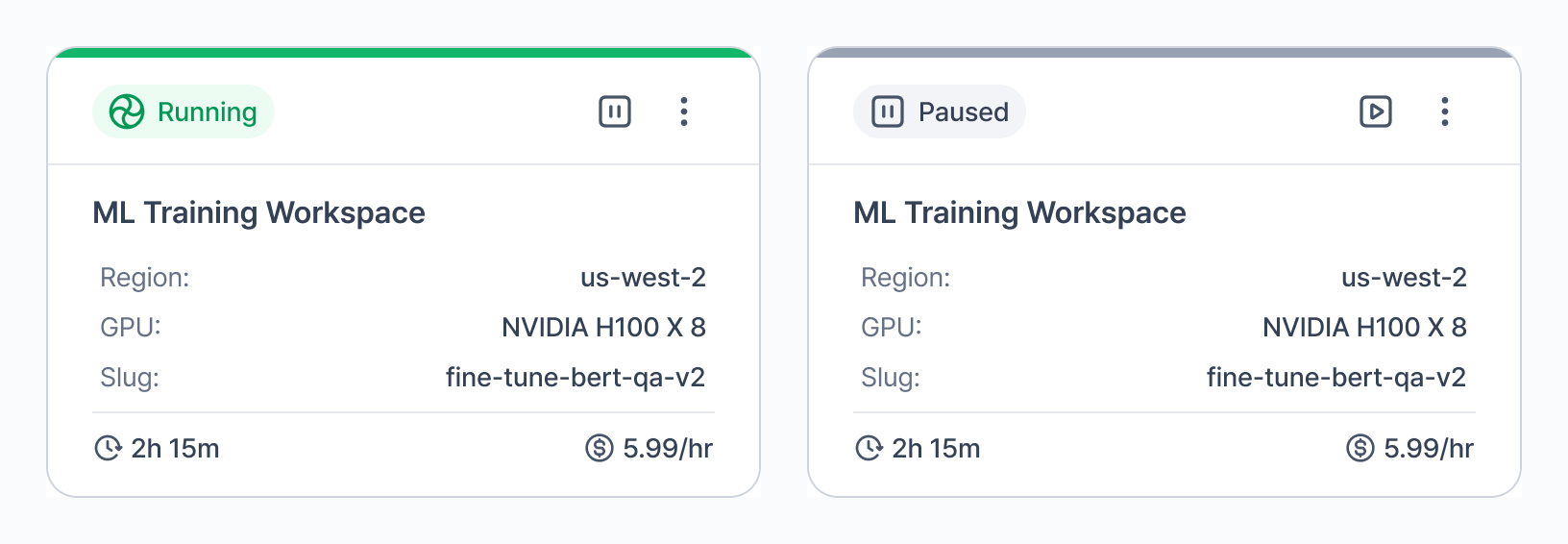
- Navigate to the Workspaces tab.
- Open the kebab menu on a running workspace and confirm Pause Workspace.
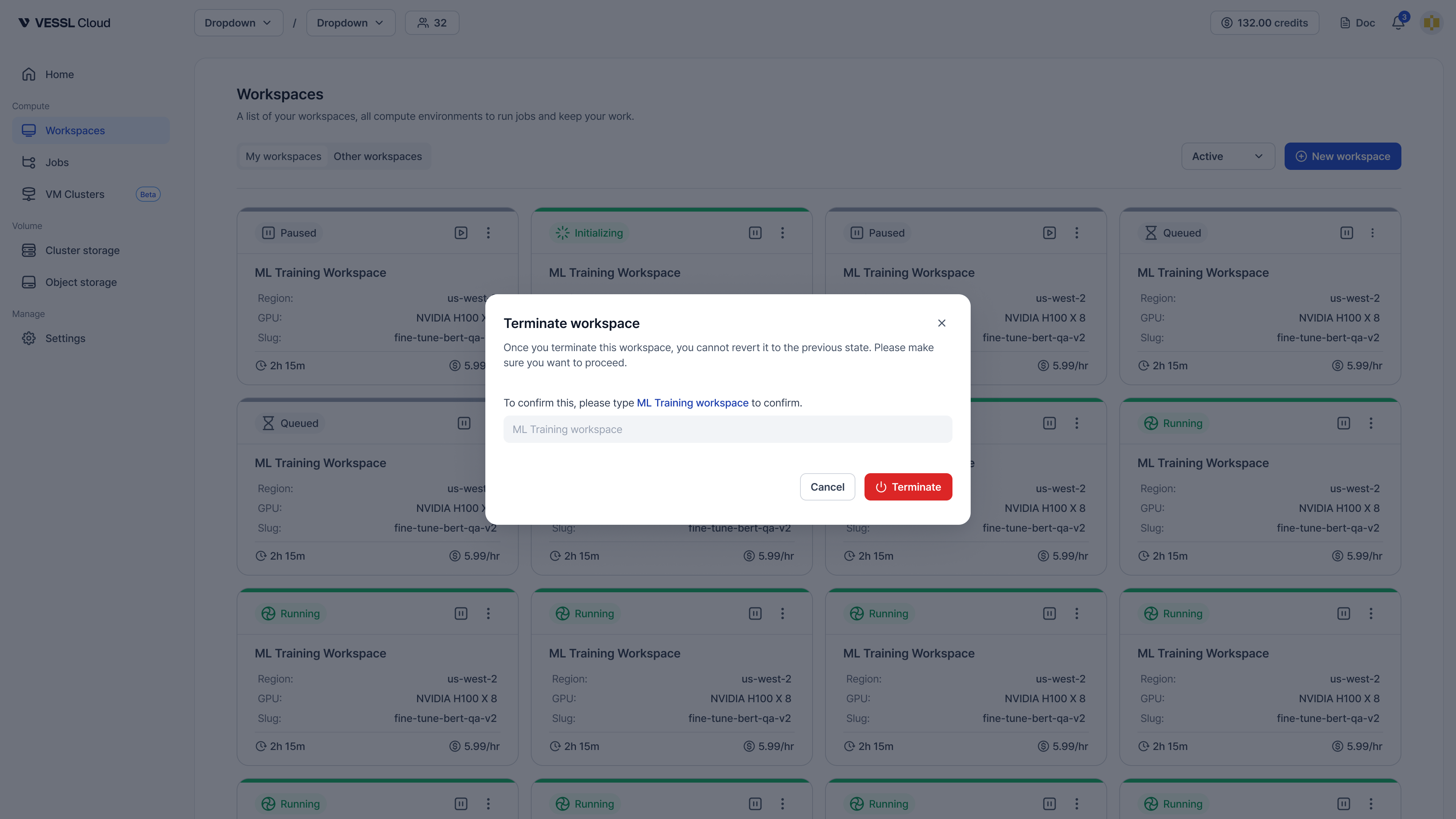
- Click Terminate.
- Type the workspace name and confirm termination.
Delete from list
To completely remove a terminated workspace from the list: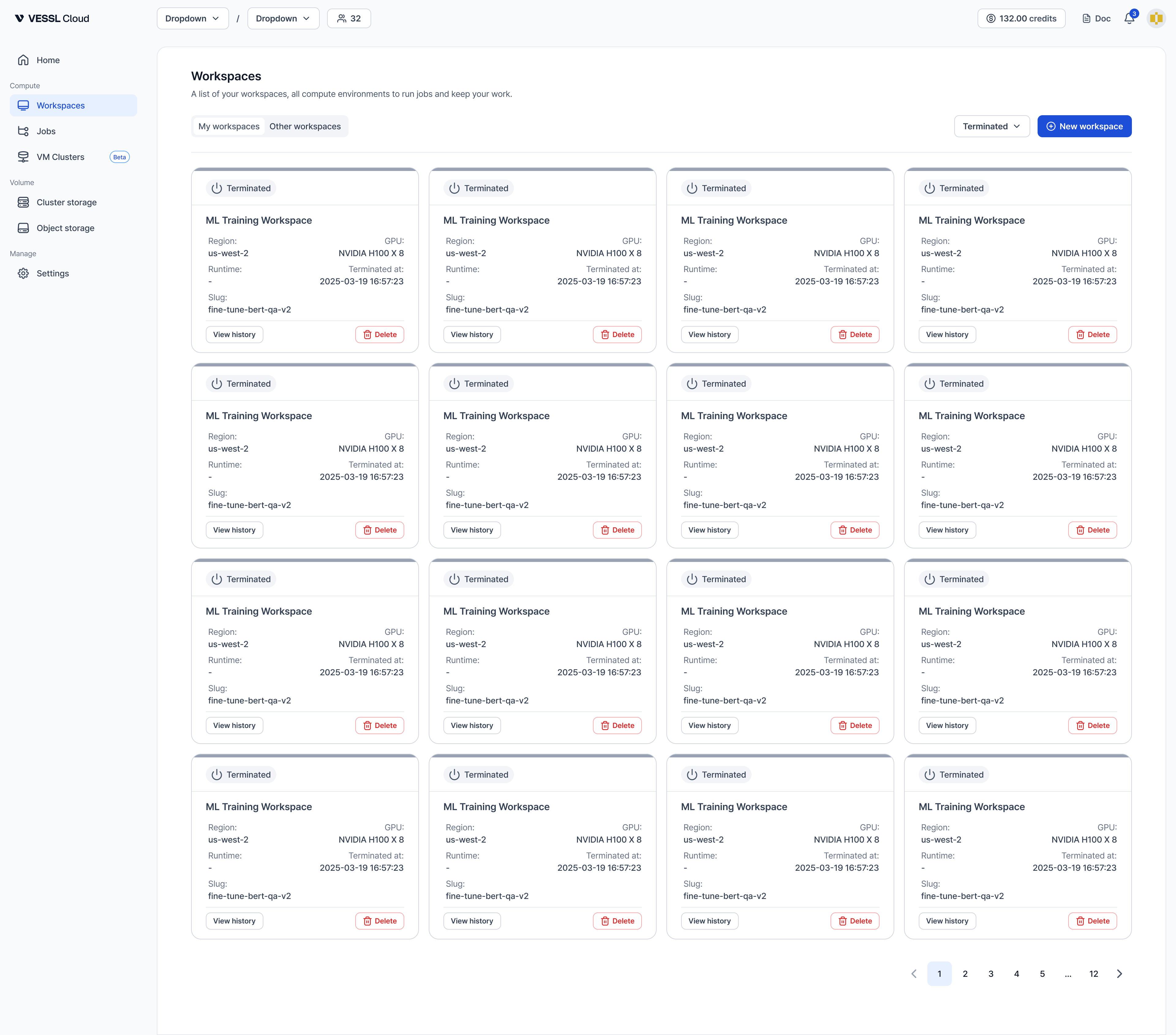
- Enable View Terminated toggle to see terminated workspaces.
- Click the Delete button on the workspace card.
- Type the workspace name and confirm deletion.
Terminated workspaces are no longer auto-deleted after 24 hours. Use Delete to manually remove them from the list when you no longer need the history.