

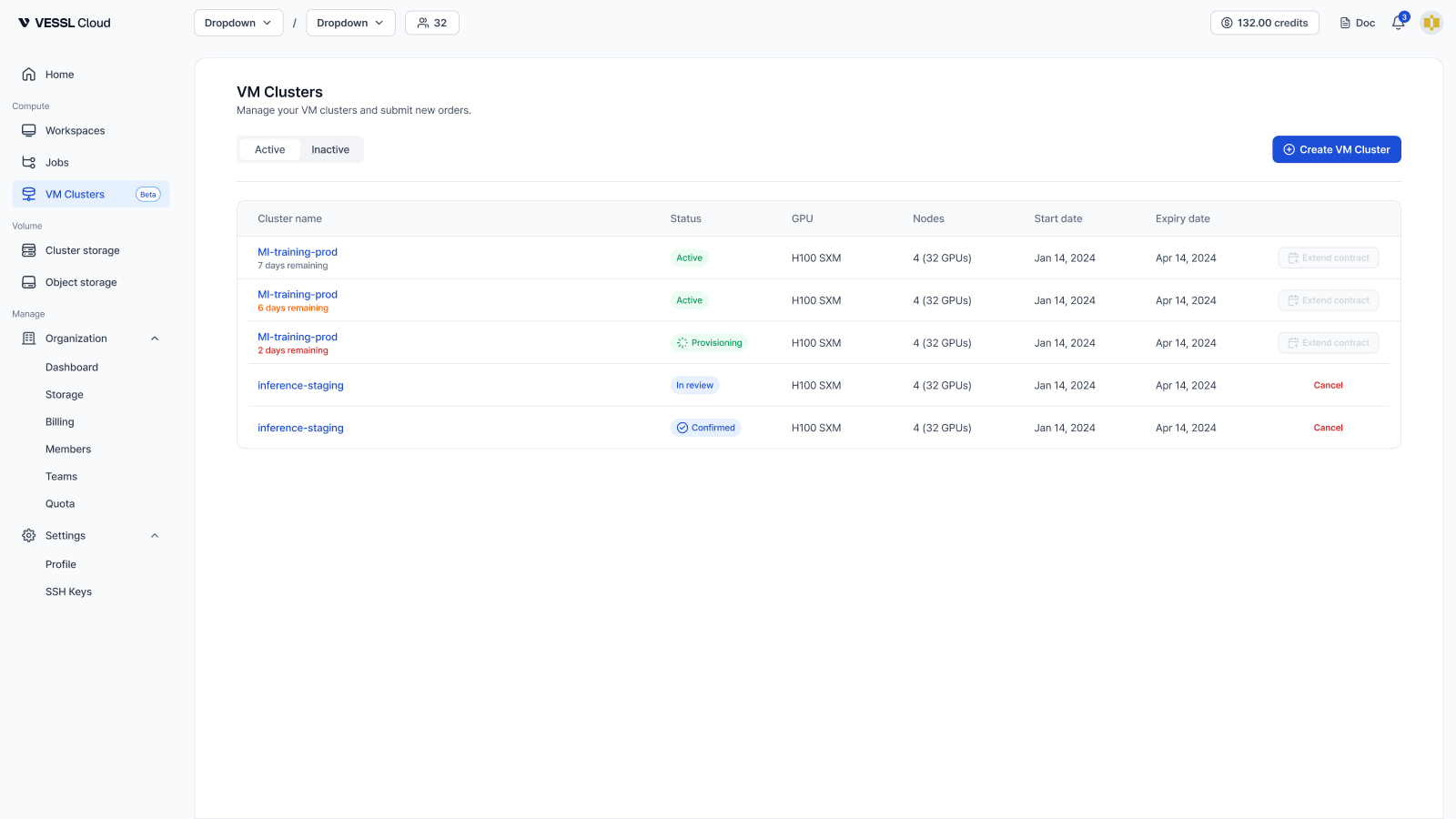
Why VM Clusters
- Multi-node distributed training — InfiniBand is provisioned by default, giving you high-bandwidth, low-latency RDMA networking between nodes for data- or model-parallel workloads.
- Full root control — swap GPU drivers, load custom kernel modules, and configure the OS however you need.
- Near bare-metal GPU performance — each VM gets its GPUs directly using GPU passthrough, keeping virtualization overhead minimal.
- Bring your own stack — install Slurm, Kubernetes, security agents, or your own deployment scripts. Root access on every node.
What you get
Contract terms, storage durability, billing, and data retention are defined in the VM Cluster service terms.
Core features
- NFS shared storage — a shared filesystem mounted across all nodes in the cluster.
- Firewall rules — inbound access control for the whole cluster, managed by you.
- InfiniBand by default — for node-to-node communication in multi-node training. A single-node cluster doesn’t use InfiniBand; that node uses all of its resources exclusively.
- Health checks and Metrics — per-node health verdict with GPU, InfiniBand, and ECC checks, plus time-series charts for GPU and system metrics. Refreshed every minute.
- Reboot — restart a VM yourself when you need to.
Workspace vs VM Cluster
If you only need a containerized environment for development or single-node work, a workspace is faster to start and cheaper. Choose a VM cluster when you need kernel or driver control, multi-node training with InfiniBand, or a reserved cluster. See Workspace vs VM Cluster for a full comparison.VM Clusters is an Organization-level resource, managed by Admin members.
Request a VM cluster
Tell us what you need and we’ll scope and provision it.