Workspaces work from the CLI too. Create, list, SSH into, pause, and terminate workspaces from your terminal with vesslctl workspace. See the CLI cheat sheet for a one-page command reference, or vesslctl workspace for the full flag reference.
Workspace gives you a containerized environment with GPU and CPU resources for ML development, set up in a few clicks. In a workspace, you can run code using JupyterLab or connect using SSH.
  • Start quickly without complex infrastructure setup
  • Choose resources and create a workspace from a single page
  • Pause to preserve the environment at lower cost, or Terminate to stop billing
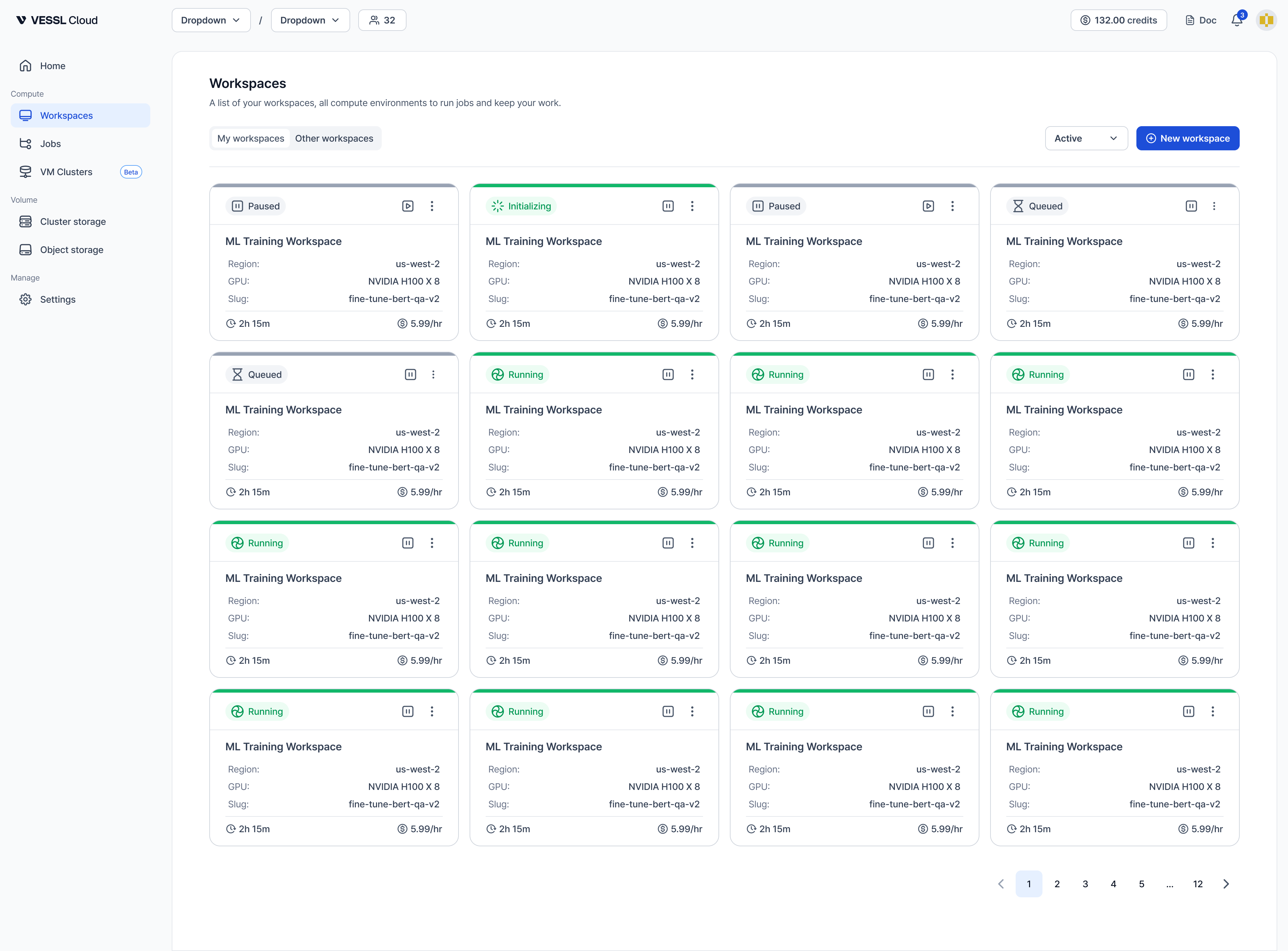
Workspace tab listing running and paused environments with their resources and cost